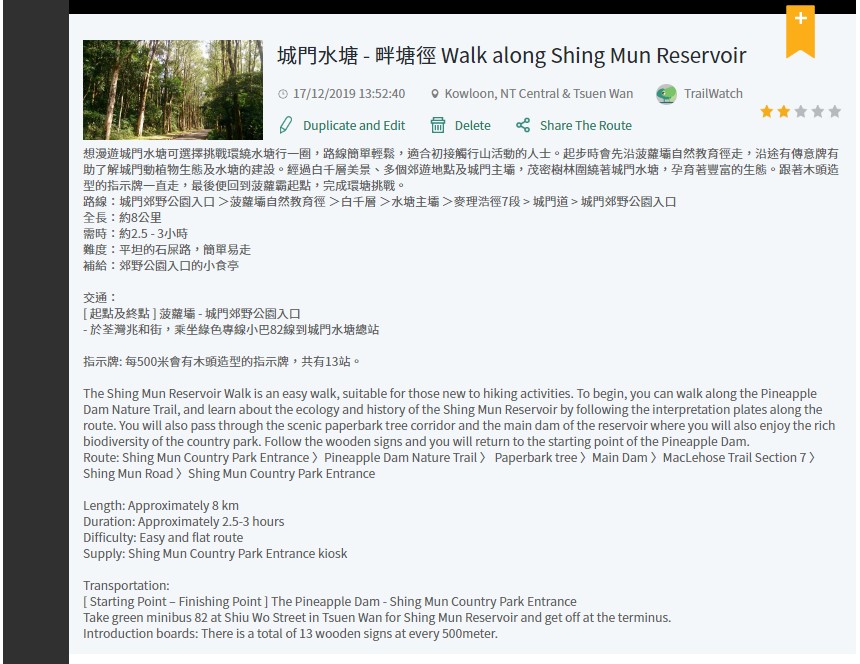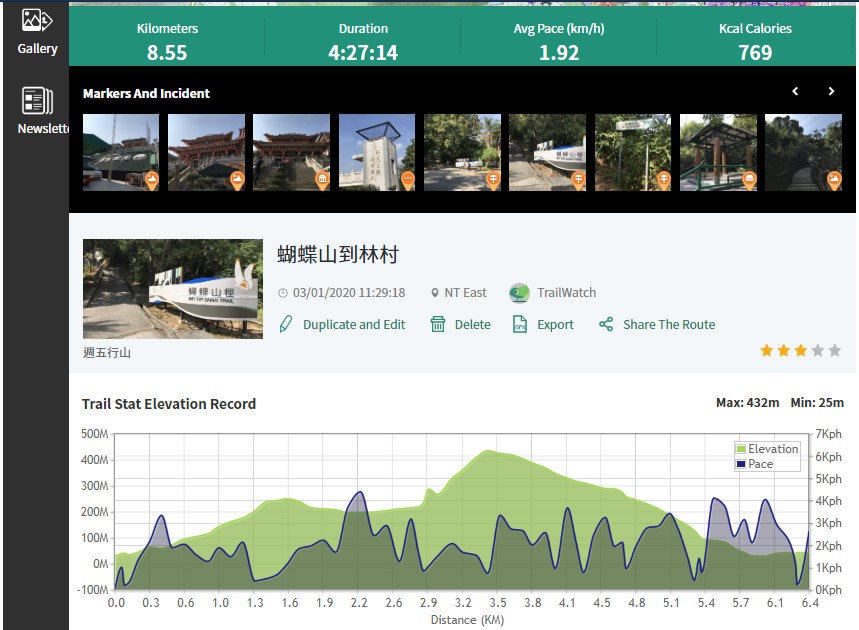
The TrailWatch mobile app allows you to browse and bookmark routes anytime, anywhere, making it easy to plan your hike before departure. However, planning your route using the website, and then tracking your route using the mobile app makes it a smoother process. Why combine the TrailWatch website and app for your hike preparation? What are the unique functions and how does it work? In this article we will take you to the advanced level, and go through the step by step process of using the TrailWatch.hk website.
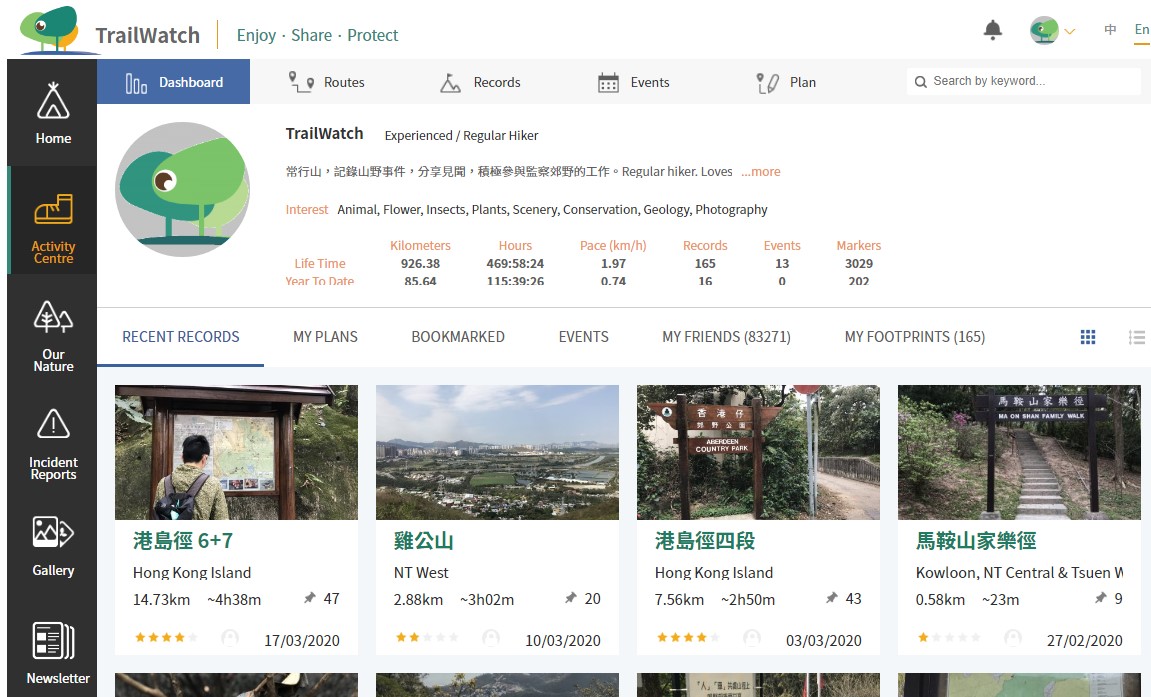
1. First of all, you’ll need to be logged in to your TrailWatch account via the website. Then, find the Activity Centre tab on the left. As you can see, it has your hiking records tracked using the TrailWatch mobile app, as well as your planned and favorite routes bookmarked. Then you can go to the Plan tab page to start preparing your own itinerary.
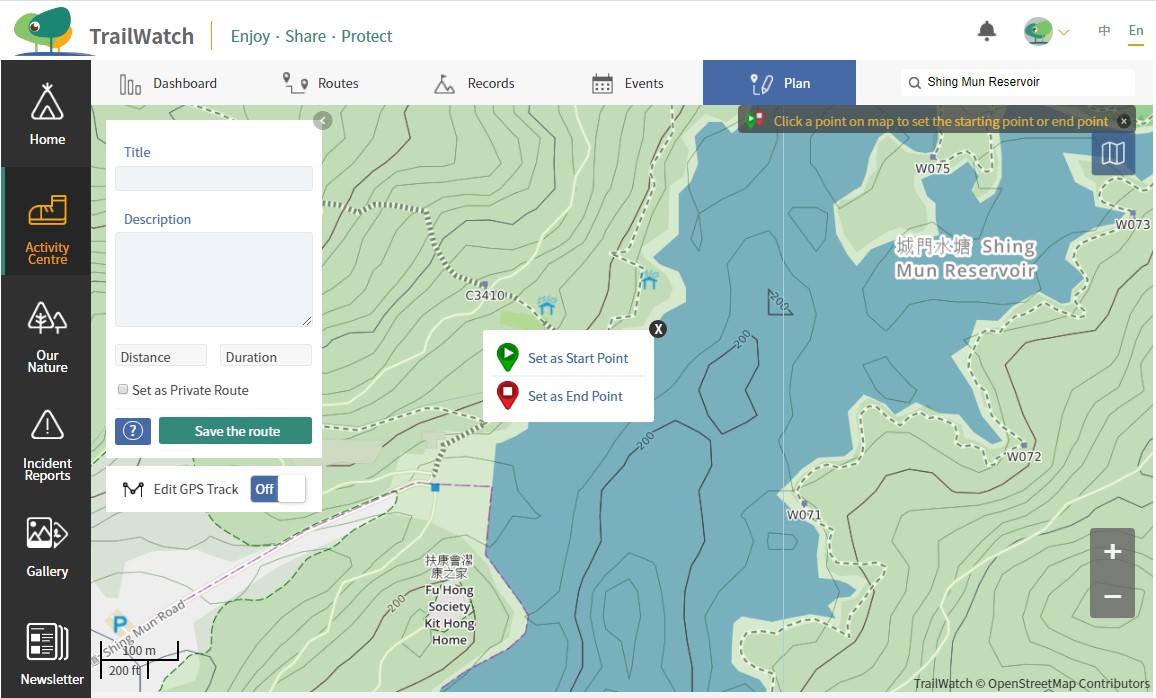
2. You can use the search by keyword function to find your destination first, and then set the route by marking your start point and end point with the click of your mouse. Once you have set these, a route will be automatically generated by shortest distance, just as how it works on the TrailWatch mobile app. If the start point is the same as the end point, you can select an endpoint at a nearby location, and then move the end point on top of the start point. (Tips * You can use the scroll wheel in the middle of the mouse or press +- on the map to zoom in or out)
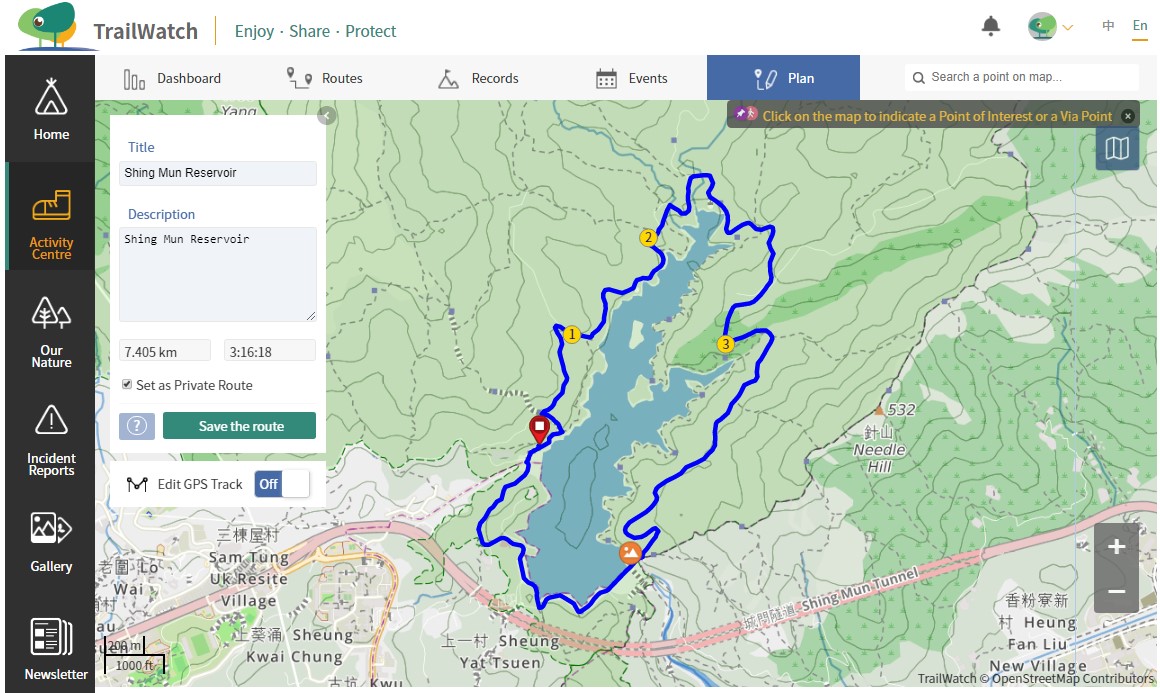
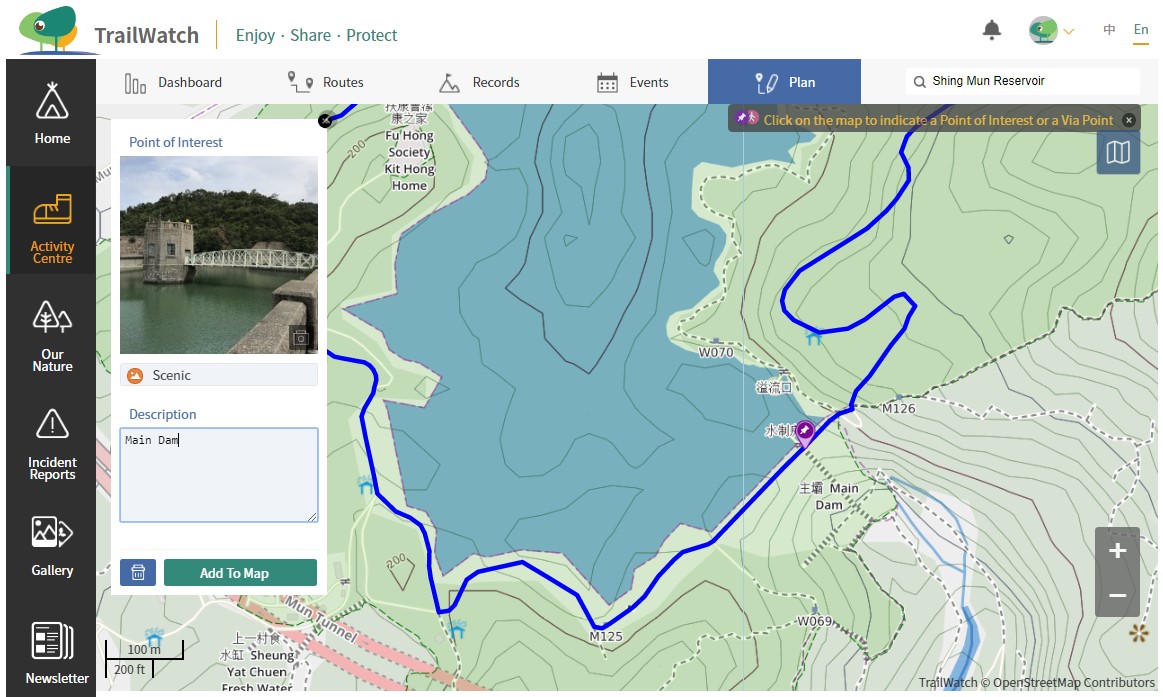
4. You can simply modify the automatically generated route by adding via points, this will allow you to choose different paths, viewpoints and longer distances. At the same time you can add photos by the point of interest function on the website without resetting the route. By setting points of interest, you can mark and share these with your friends.
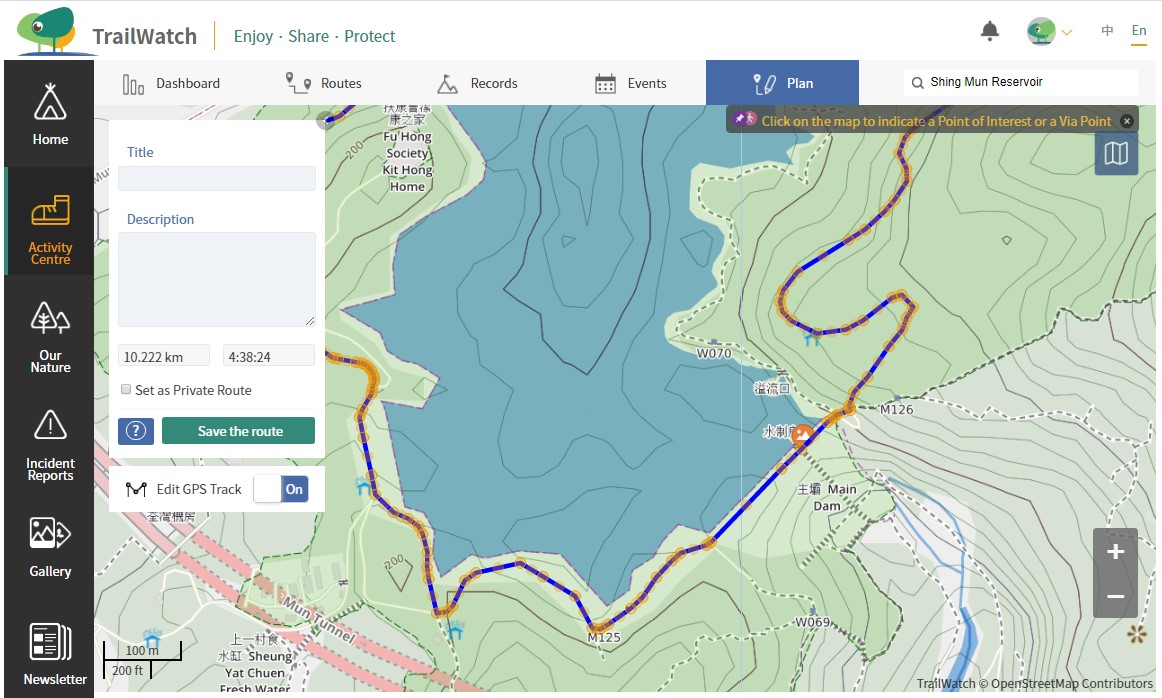
5.If you want to follow an even more precise route, you can also use the "Edit GPS Tracks" function to fine-tune the route;a function available only in the web version without automatically re-planning the route.
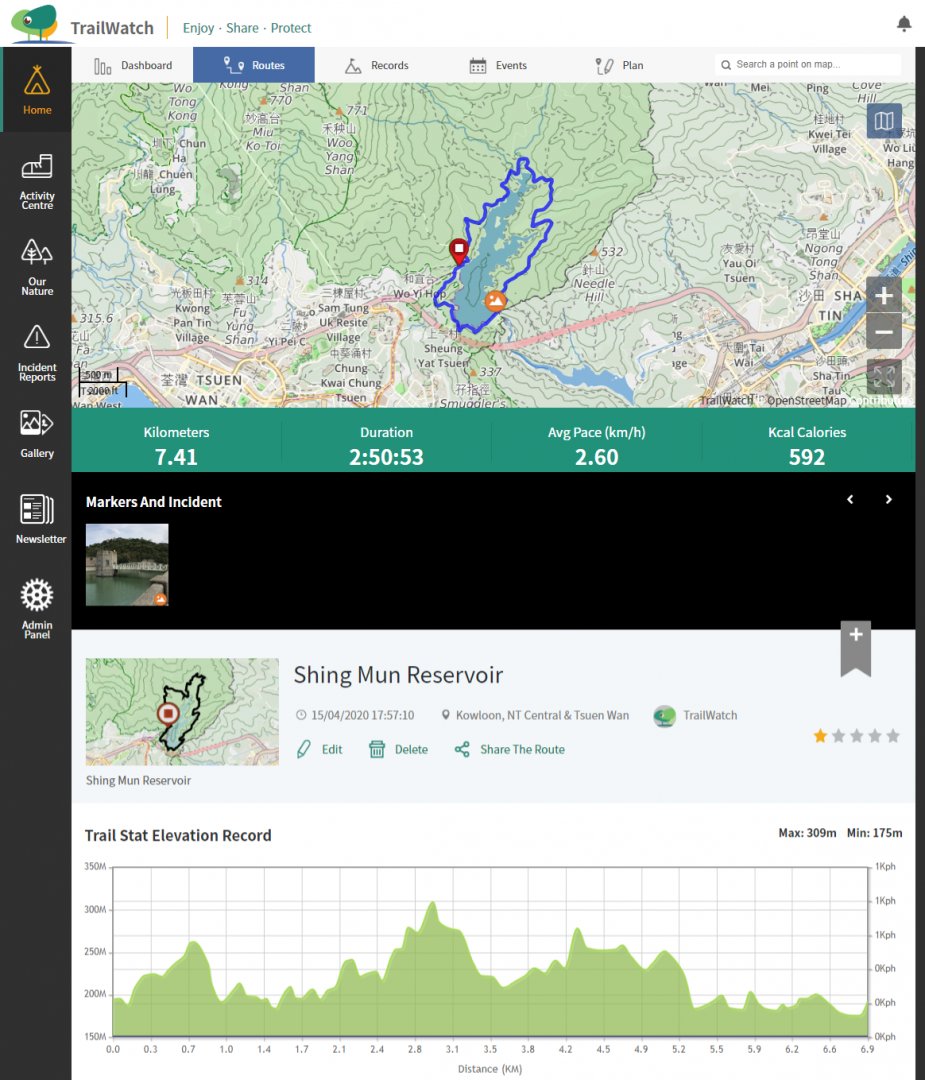
6. Set the name of the route, then save it! Please note that the via points will not appear on the map after saving, if you add new via points later on, the planned route will be recalculated.