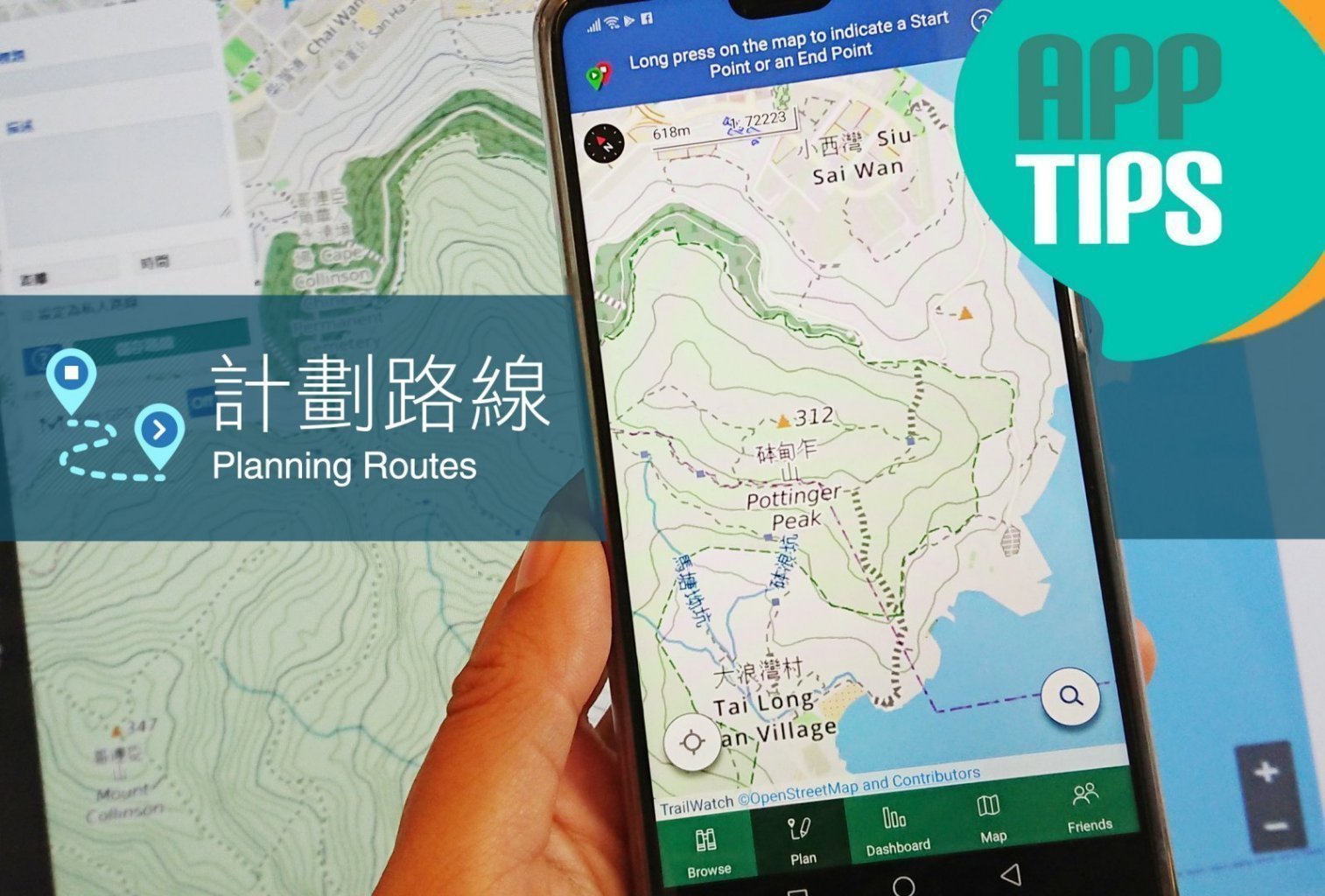
行山前,除了到官方及不同行山網頁了解路徑的最新消息,更可以TrailWatch應用程式預先計劃路線。不單可以多了解路線的總長度、高度及估計行程時間,又可具體地將資料向同行者分享,做足準備!
Besides checking announcement and updates on AFCD official website and specific hiking websites, you can also use the TrailWatch App to help you plan for the hiking route in advance. It can inform you the total distance of the route, altitude and estimate the time you might need to complete the hike. Moreover, this specific information can be shared with other hikers in your team, ensuring everyone is well informed and prepared.
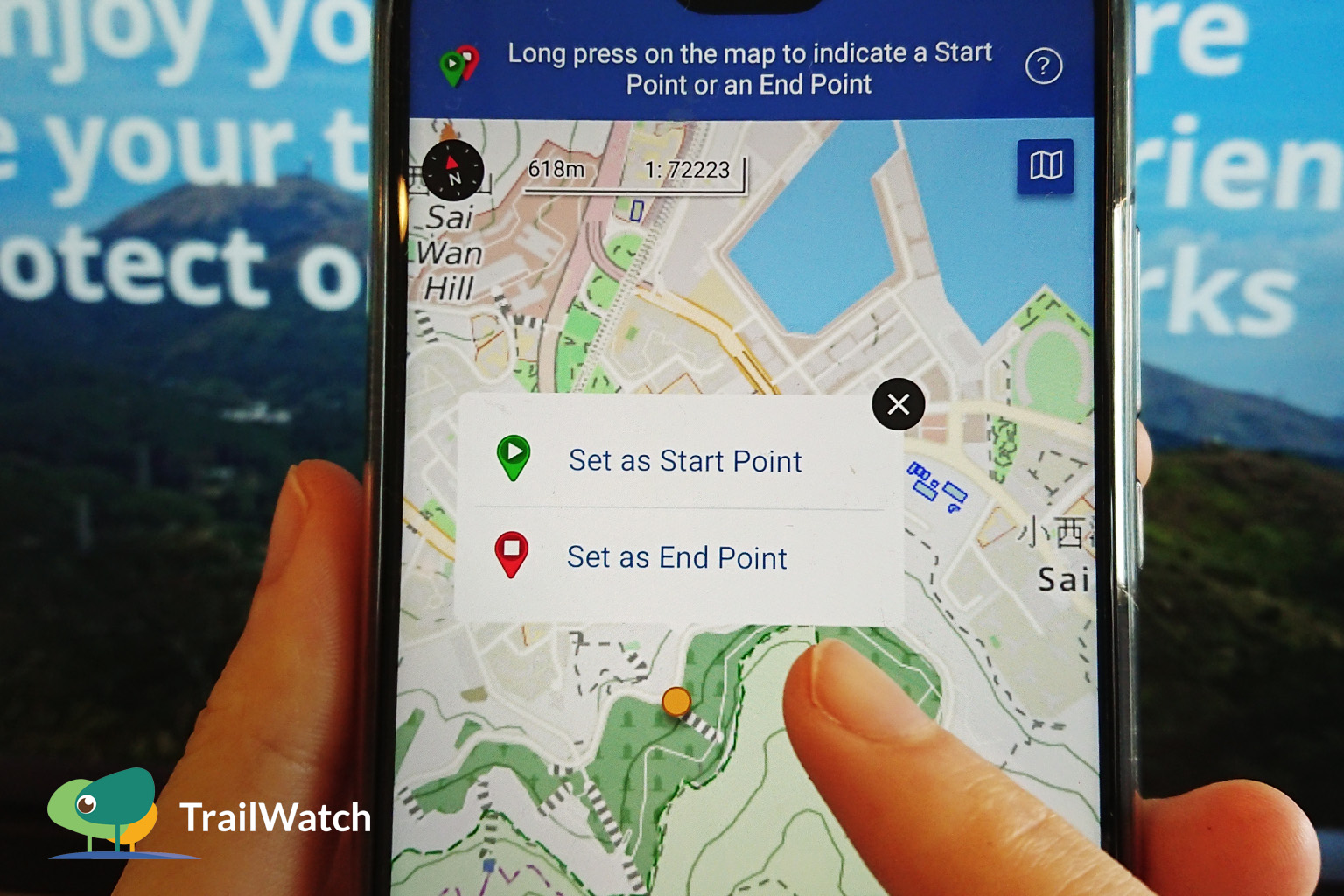
- 設定起點 Set the Start Point
– 先到「計劃」搜尋起點位置,長按後並「設為起點」。
Go to “Plan”, look for the Start Point, tap on it to “Set as Start Point”
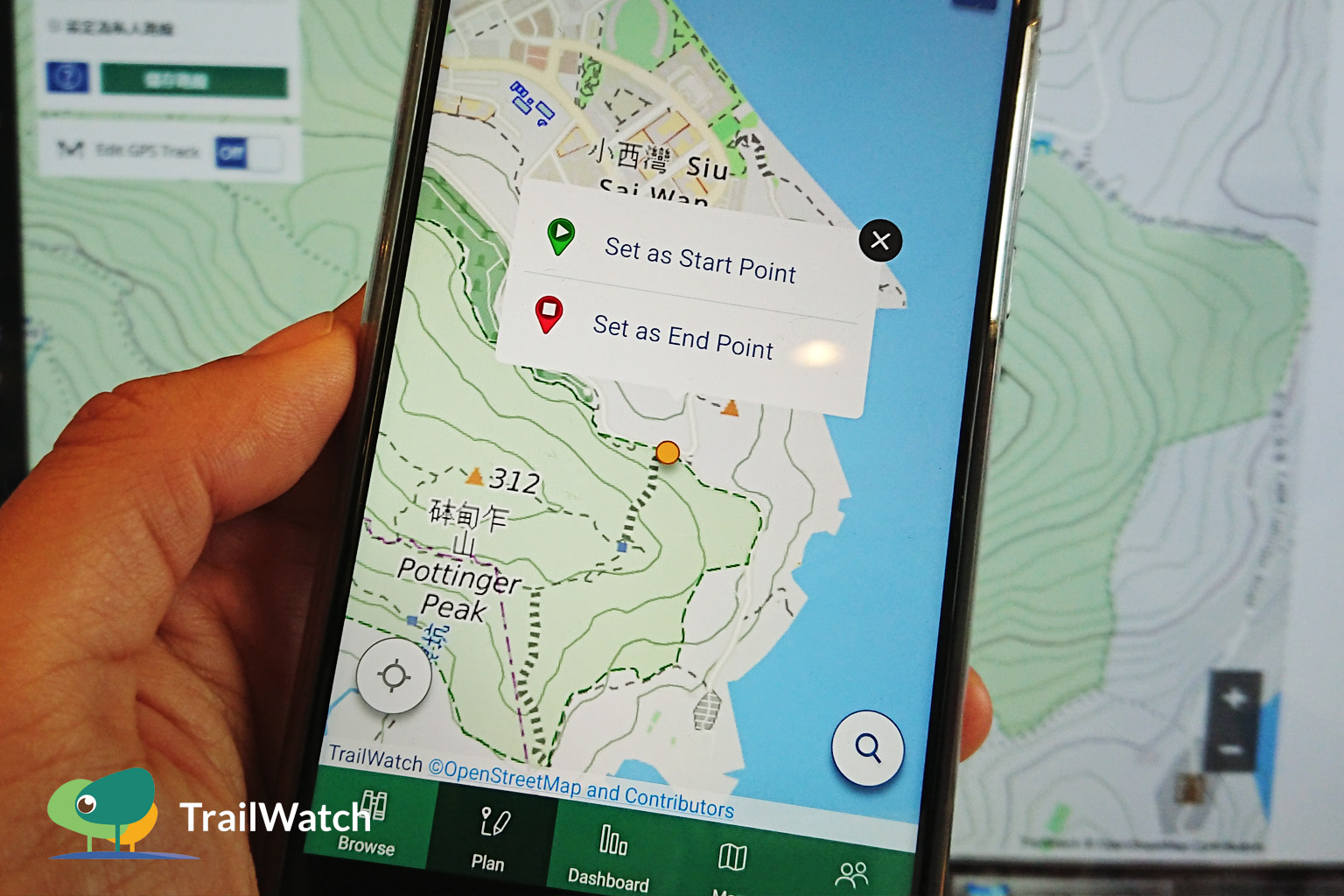
- 設定終點 Set the End Point
– 搜尋終點位置,長按後並「設為終點」。地圖立即顯示出一條最短距離的建議路線。
Look for the end point on the map, tap on it to “Set as End Point”. Suggestion of the shortest route will be displayed on the map.
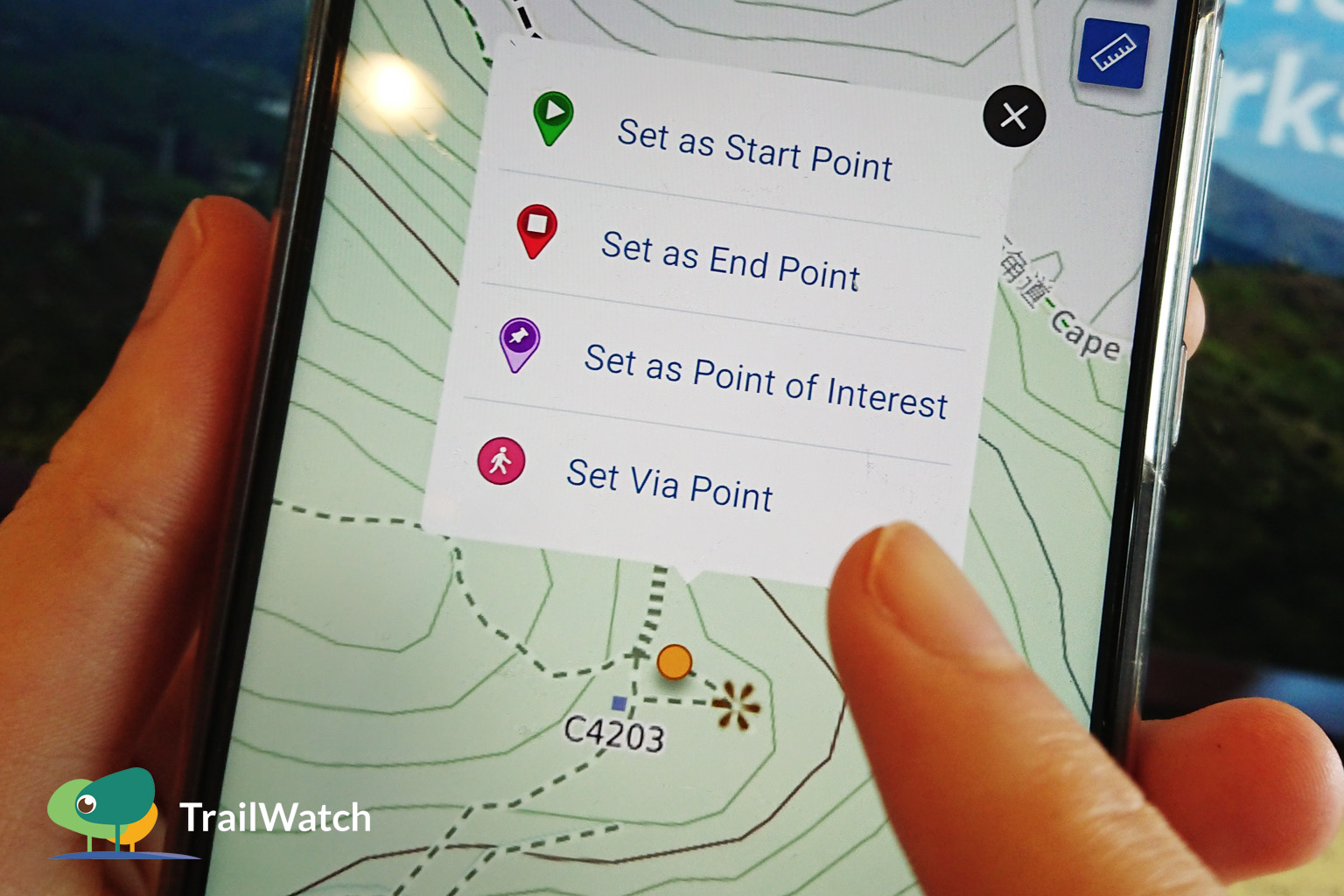
- 編輯路線 Customise your route
– 如要編輯路線,可指定某一位置為途經點,長按後並「設定途經點」,讓程式再計劃路線。可按順序設定多點途經點,以製作出更合適的路線。按下已設定的途經點可刪除或編輯位置。
To personalise the route, you can indicate a location along the route as via point. Tap on that location to “Set Via Point”. You may set multiple via points, and the app will regenerate a suitable route accordingly. You may tap on the via points to delete it or edit its location.
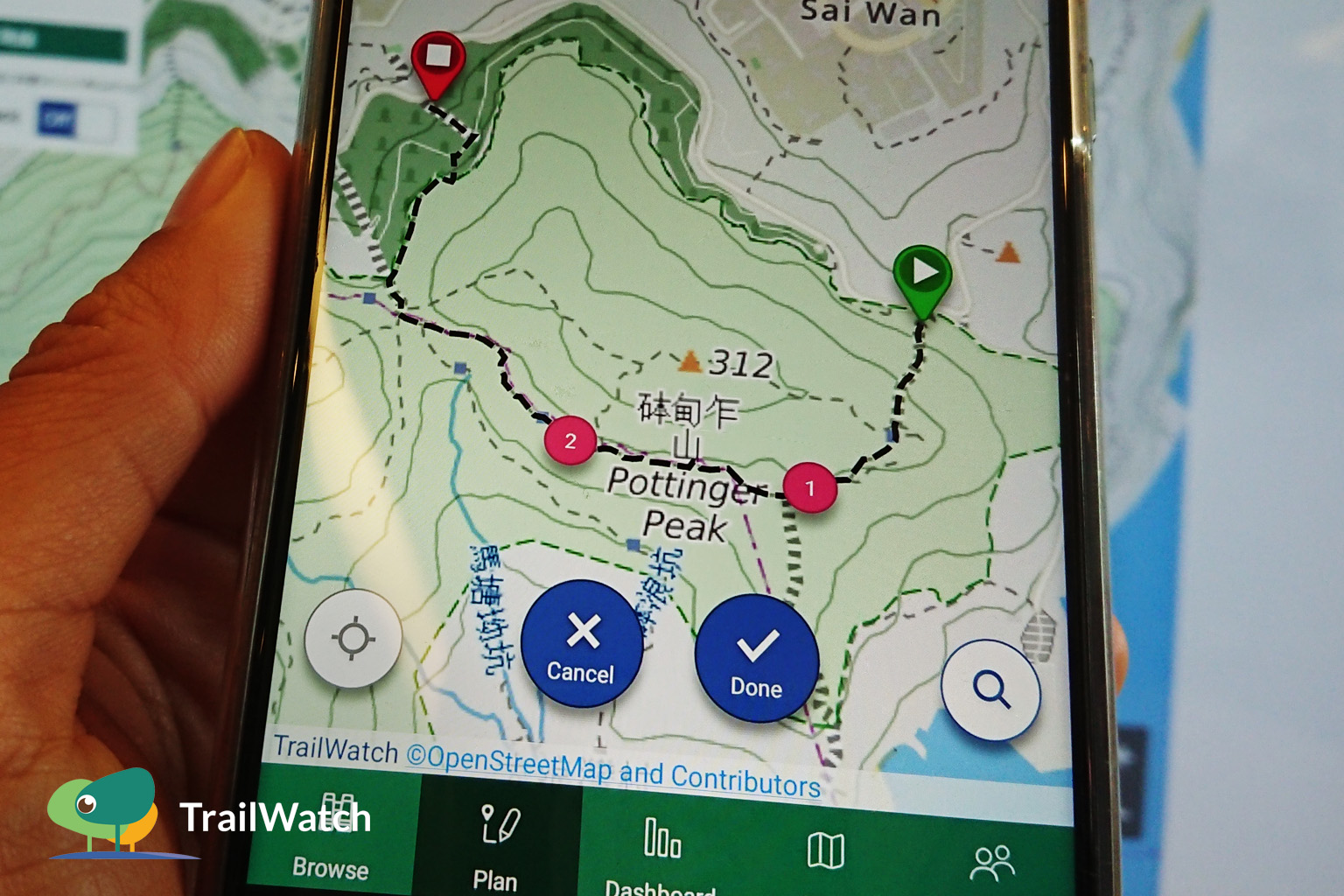
- 路線詳情 Route Detail
– 按下右上角的標誌,可查看路徑高度圖;或按下「完成」查看路線長度及估計行程時間。按下左上角箭咀可返回編輯路線。
Click on the logo on top right corner to check the trail elevation; click on “Done” to see the distance and estimated duration. Click on the arrow on top left corner to edit the route.
*注意「估計行程時間」按行走速度而有所改變
* Note that “Est. Duration” will differ from the actual duration depending on your walking pace.
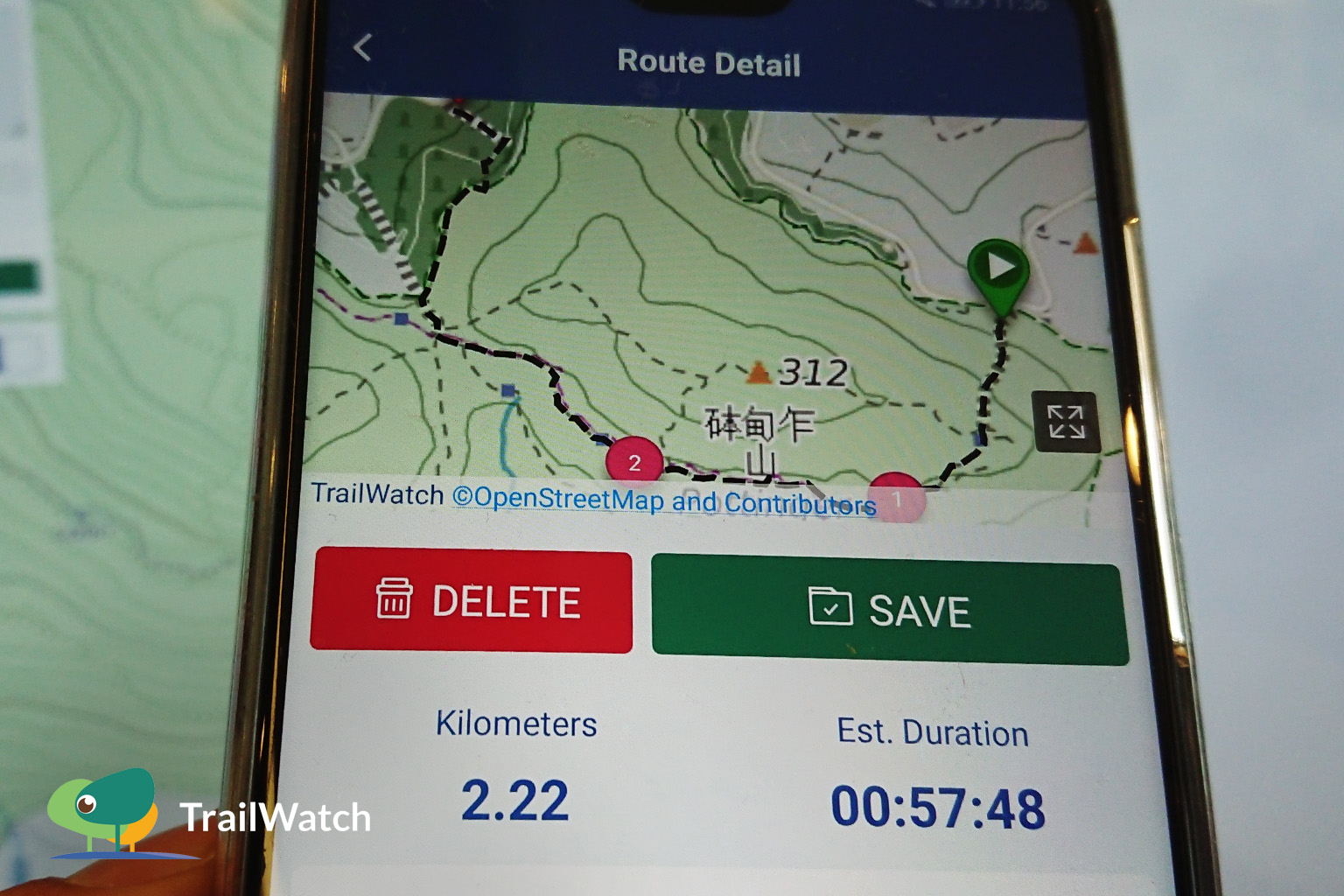
- 儲存路線 Save the Route
– 為路線加上標題即可儲存路線。到「總覽」上「我的路線」便可瀏覽該路線。行山時於路線上按下「開始記錄活動」便可沿著計劃路線行山了。
By filling in the “Title”, the route will be saved on the app. To browse all the saved routes, go to “Dashboard” and select “My Plans”. During your hike, simply tap on “Start this route” to follow the route you have saved.
*注意行山安全,切勿獨自行山。多參考不同行山資訊,了解路線詳情以作準備。
* Take safety precautions while hiking, do not go hiking alone. Gather adequate information from various references to make detailed plans and preparation before setting off.
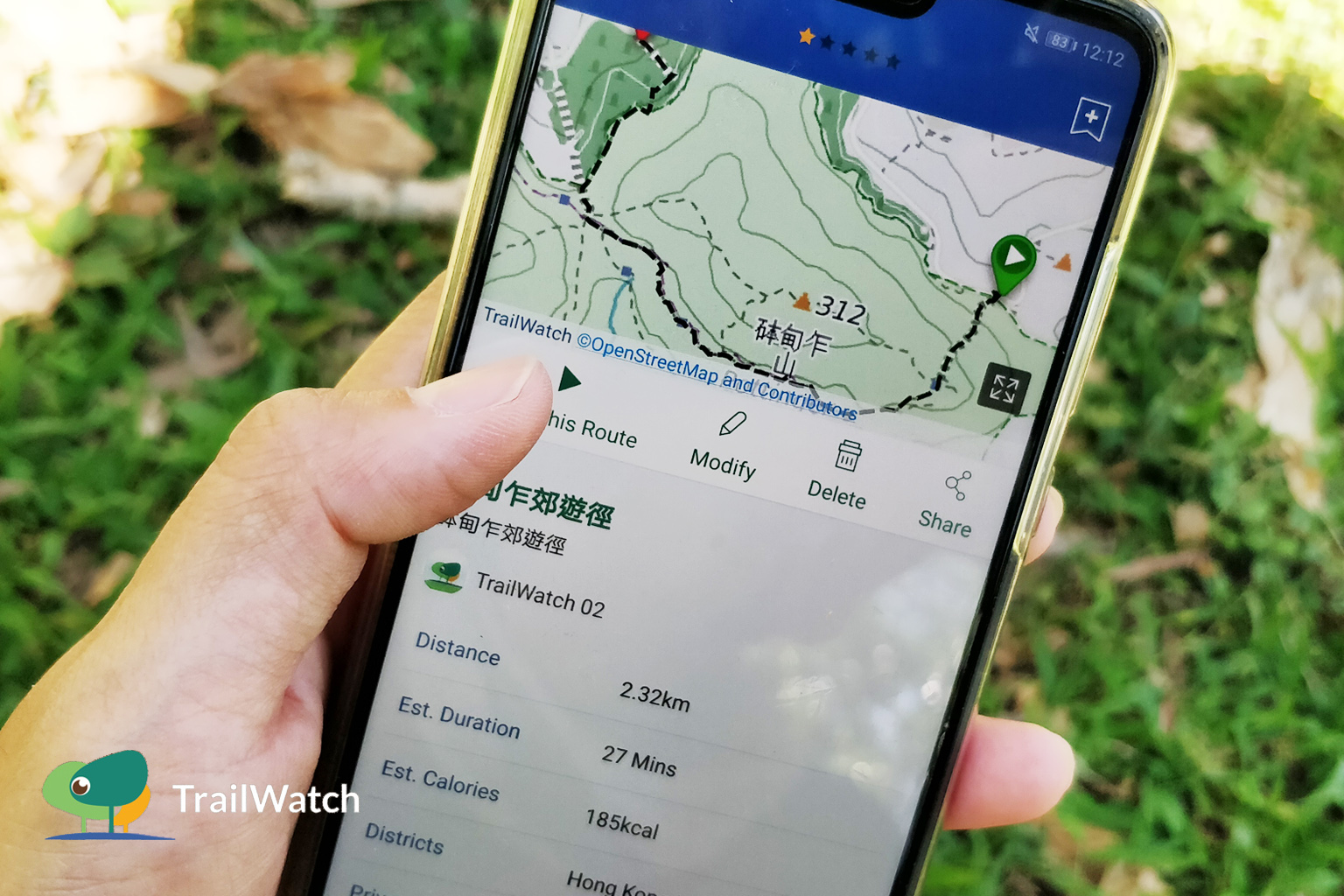
更多App小貼士 Tips:
- 記錄路線 Route Tracking:https://www.trailwatch.hk/?t=blog&i=428
- 個案舉報 Reporting incidents:https://www.trailwatch.hk/?t=blog&i=551
- 收藏路線 Bookmarking a Route:https://www.trailwatch.hk/?t=blog&i=431
- 建立活動 Create an Event:https://www.trailwatch.hk/?t=blog&i=540
- 離線地圖 Tips – Offline Map:https://www.trailwatch.hk/?t=blog&i=434