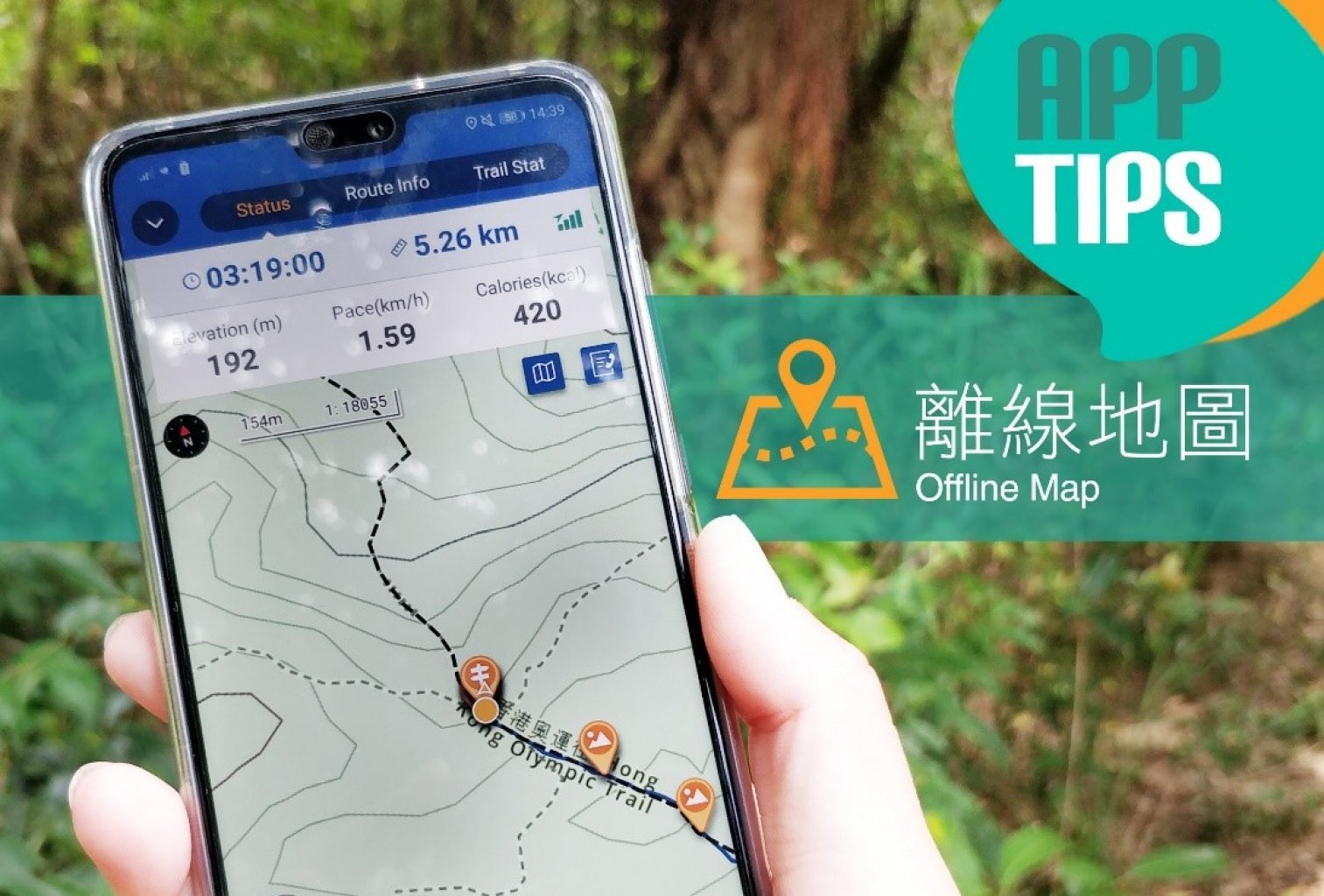
試過行山時因網絡接收問題而未能使用電話查看地圖嗎?使用TrailWatch預先下載離線地圖,可於未能接收網絡的地方繼續查閱地圖。當然行山安全首要學會看地圖,出發時帶一份地圖更穩妥。
It might have happened to you that maps on your phone become inaccessible due to poor data reception while hiking. Did you know you can download offline maps in advance? Of course, you need to make sure you know how to navigate with a map. It is also a good idea to play safe and bring along an actual map.
1. 搜尋路線 Route Searching
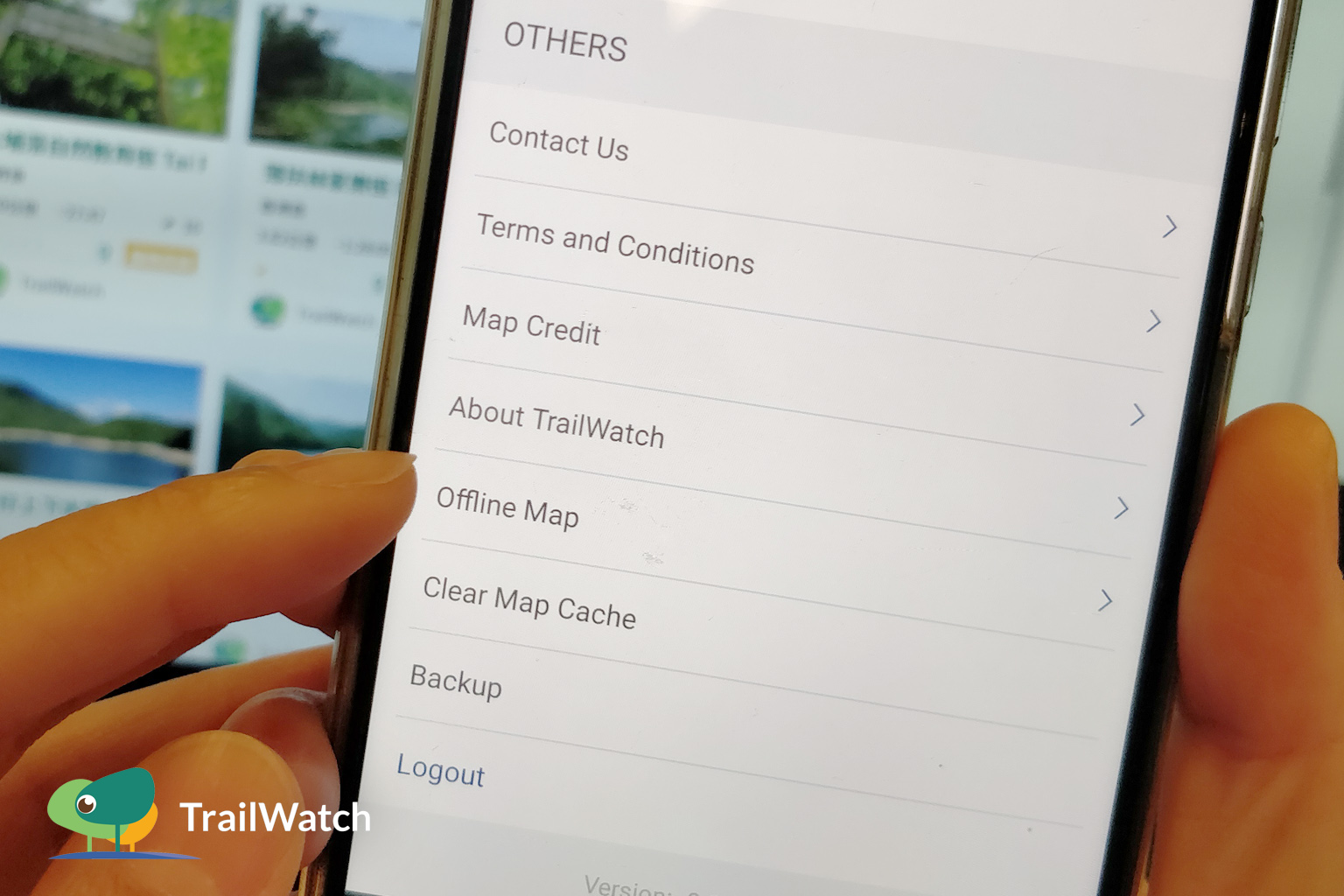
– 先到「離線地圖」搜尋合適路線範圍 Go to “Offline Map” in Settings, locate the region
2. 留意下載地圖容量 Make sure you have enough memory space to download the file
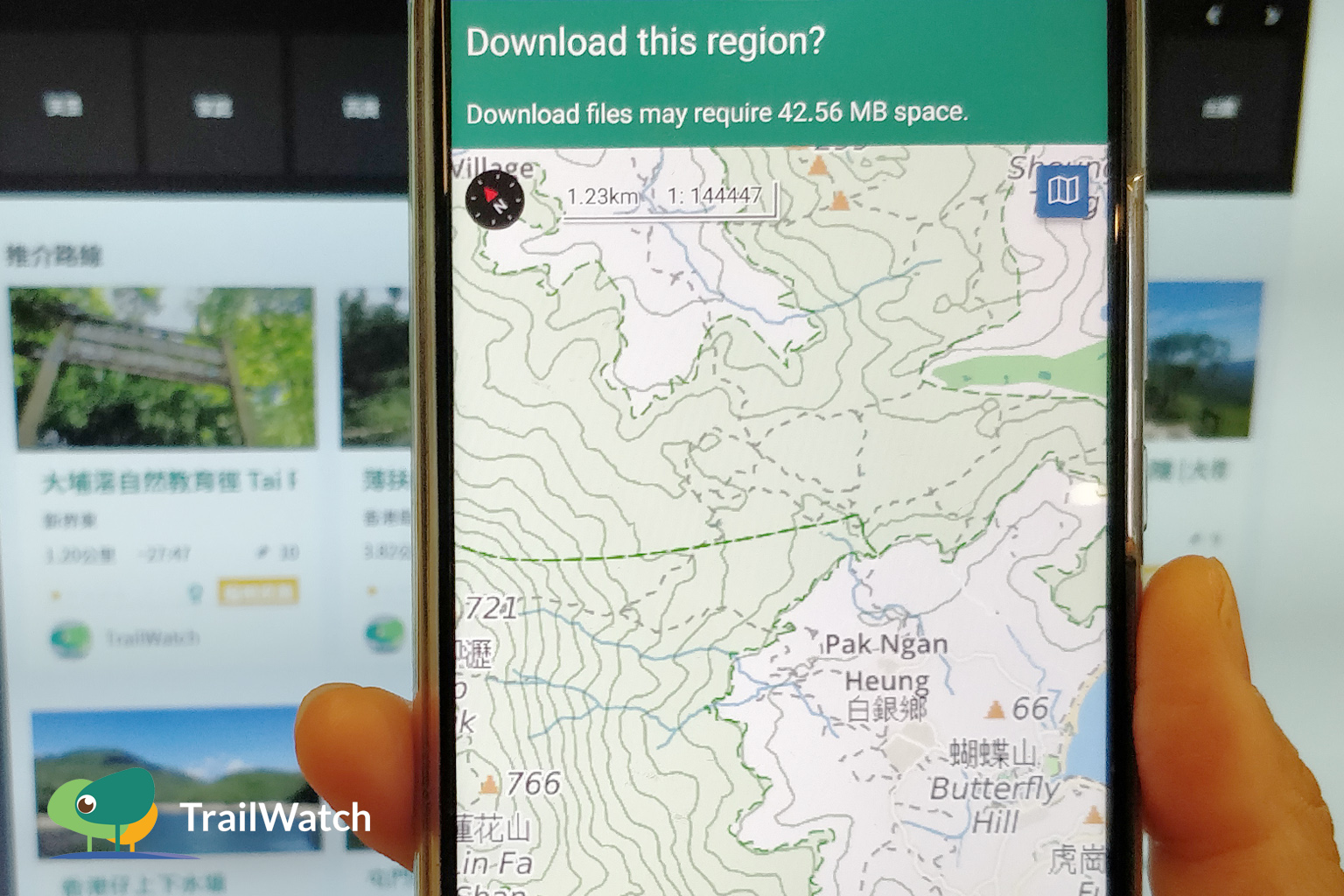
– 按下右下角的「儲存」下載地圖 Click on “Save” at bottom right corner to download the map
3. 查看地圖 Map Reading
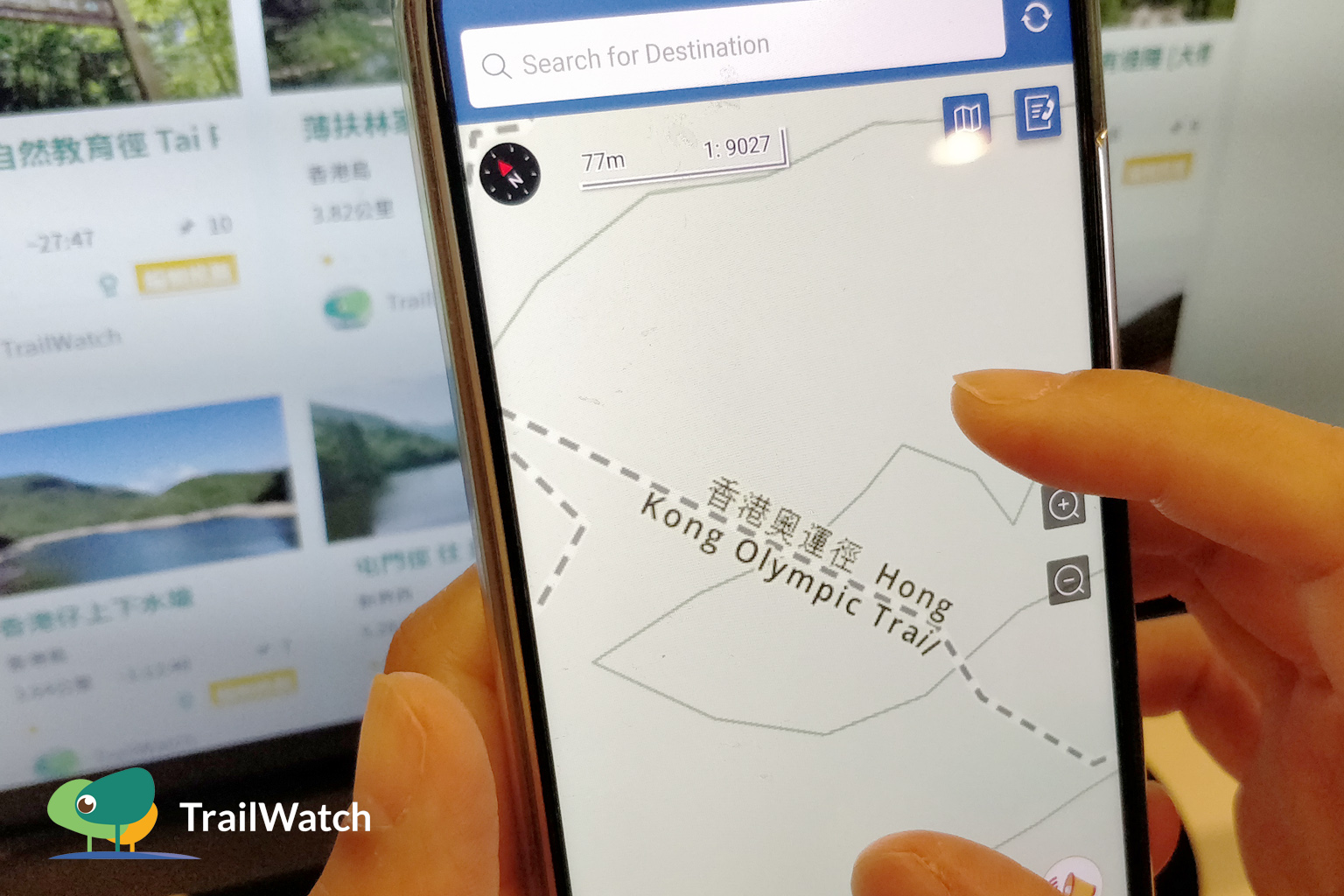
– 等待下載完成後,嘗試關掉「流動數據」(Data)及「無線上網」(WiFi)以查看確保地圖已下載 After downloading, switch off “Mobile Data” and “Wi-Fi” and check that offline maps are retrievable
4. 記錄路線 Route Tracking
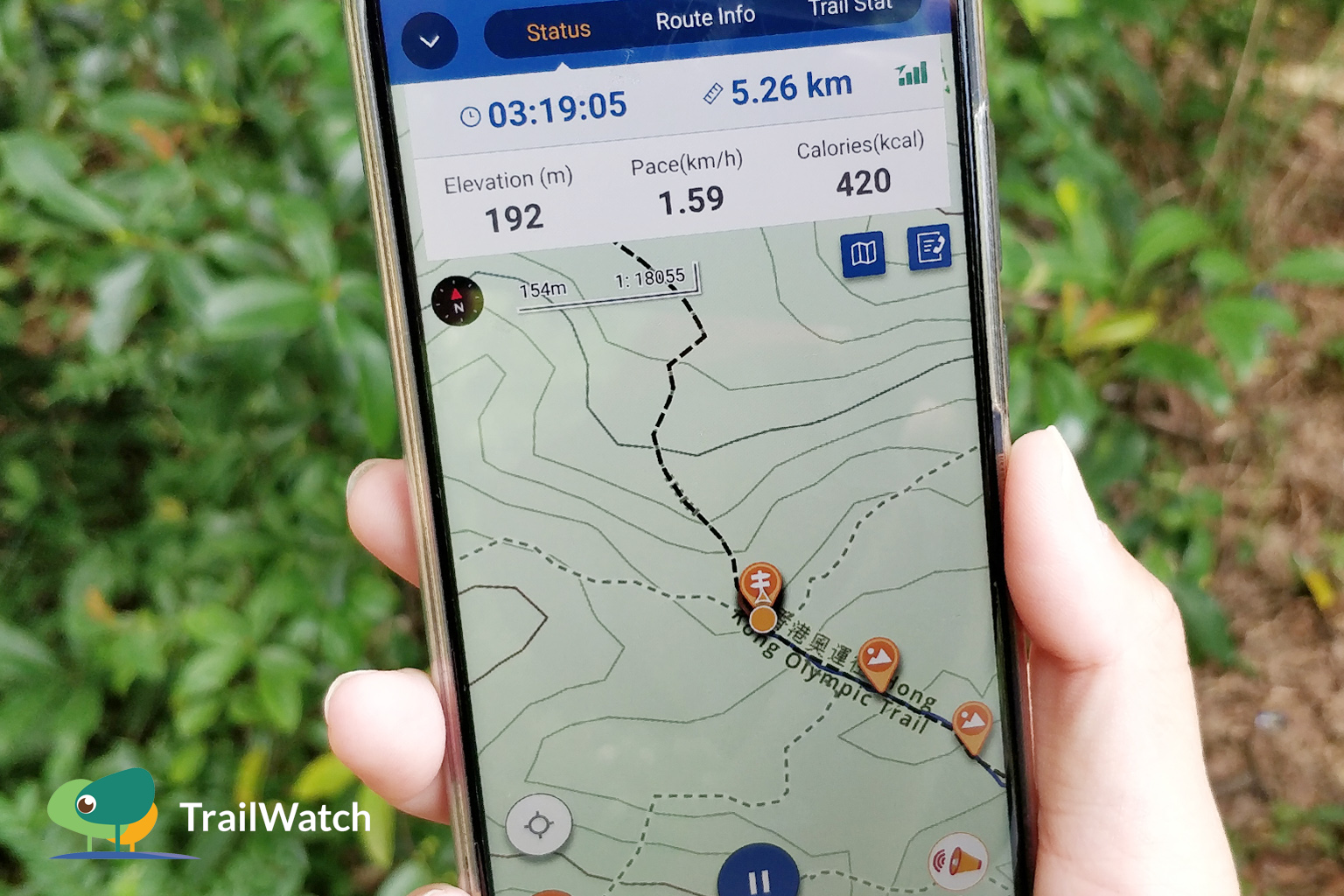
– 行山時,按下「開始記錄活動」並關閉「流動數據」(Data)也可查閱地圖及記錄路線 You can track your route by clicking on “START TRACKING” even when “Mobile Data” is off
5. 「清除地圖緩存」 "Clear Map Cache"
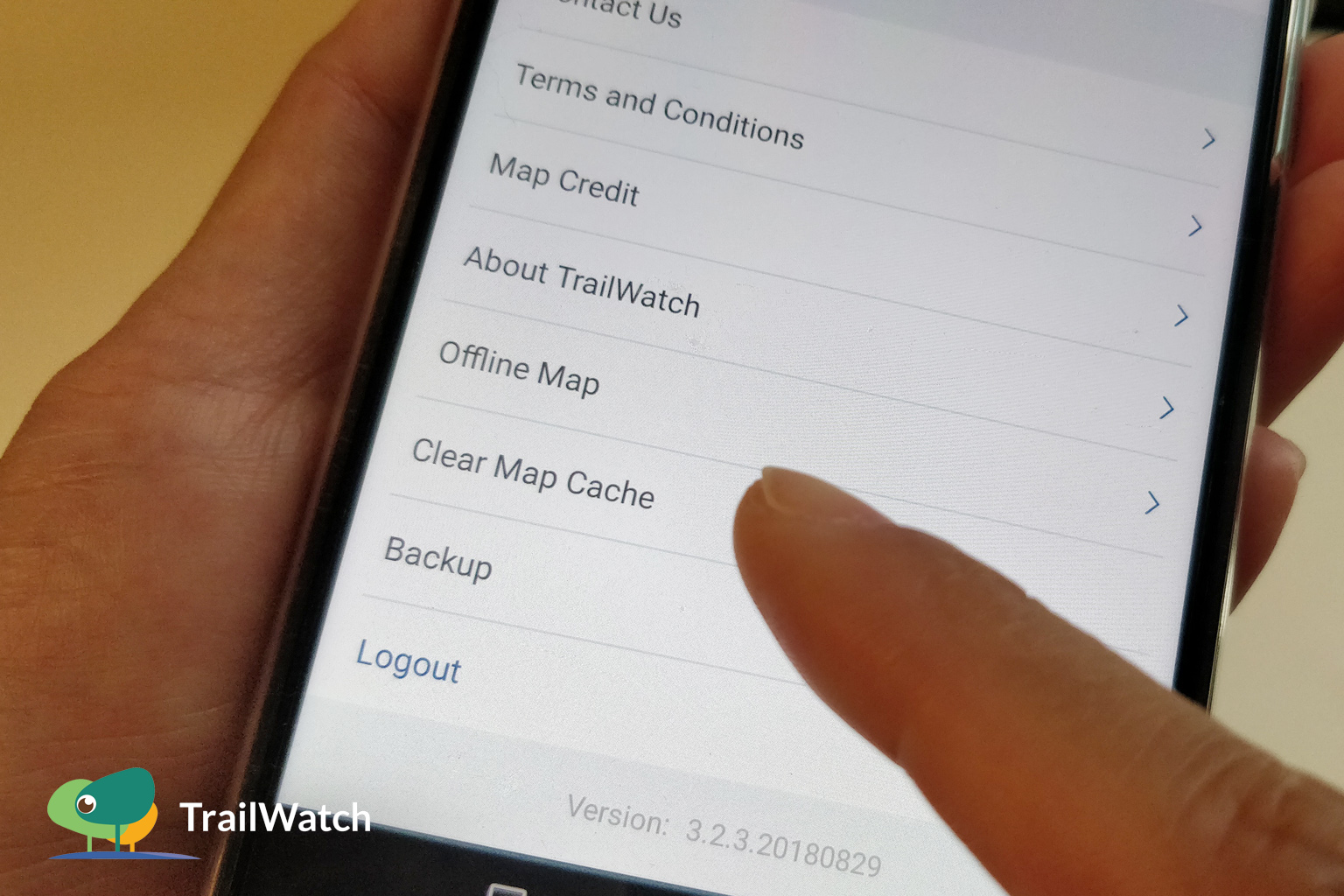
– 避免應用程式 (App)佔用太多儲存空間,可按下「清除地圖緩存」刪除已儲存地圖資料 To reduce the memory space occupied by the App, click on “Clear Map Cache” to remove saved information
更多App小貼士 Tips:
- 計劃路線 Route Planning:https://www.trailwatch.hk/?t=blog&i=437
- 記錄路線 Route Tracking:https://www.trailwatch.hk/?t=blog&i=428
- 個案舉報 Reporting incidents:https://www.trailwatch.hk/?t=blog&i=551
- 收藏路線 Bookmarking a Route:https://www.trailwatch.hk/?t=blog&i=431
- 建立活動 Create an Event:https://www.trailwatch.hk/?t=blog&i=540