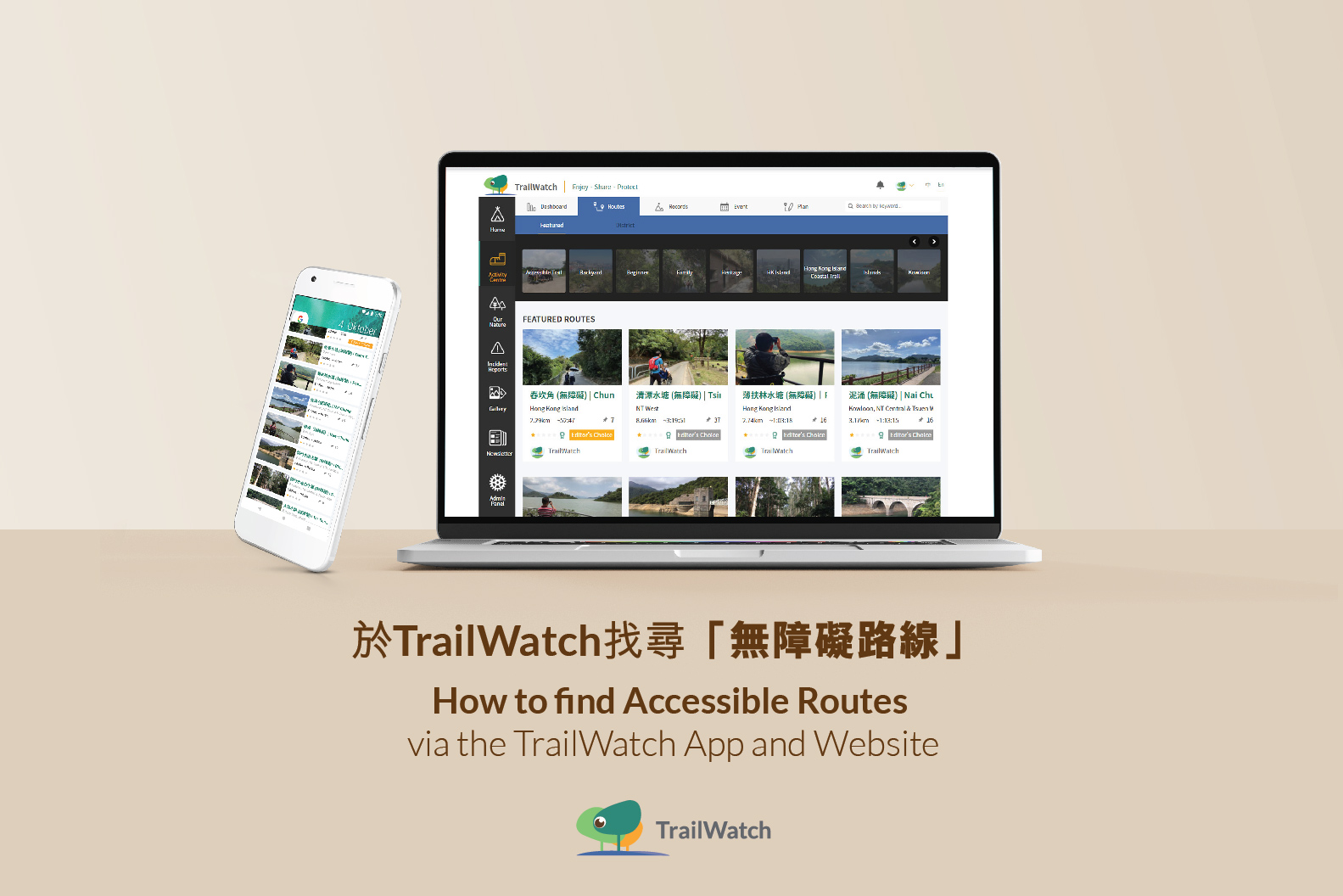
TrailWatch的無障礙路線可於網站及應用程式找尋,並且可以於行走時同時對照,確保自己並無偏離。
You can search for the TrailWatch recommended Accessible Trails via the website and mobile application. If you follow and track the route via the App, you can also reduce the chances of getting lost.
應用程式 Via the TrailWatch App
- Step 1 打開應用程式 Open the App. To ensure you have the most updated information on the App, pull to refresh.
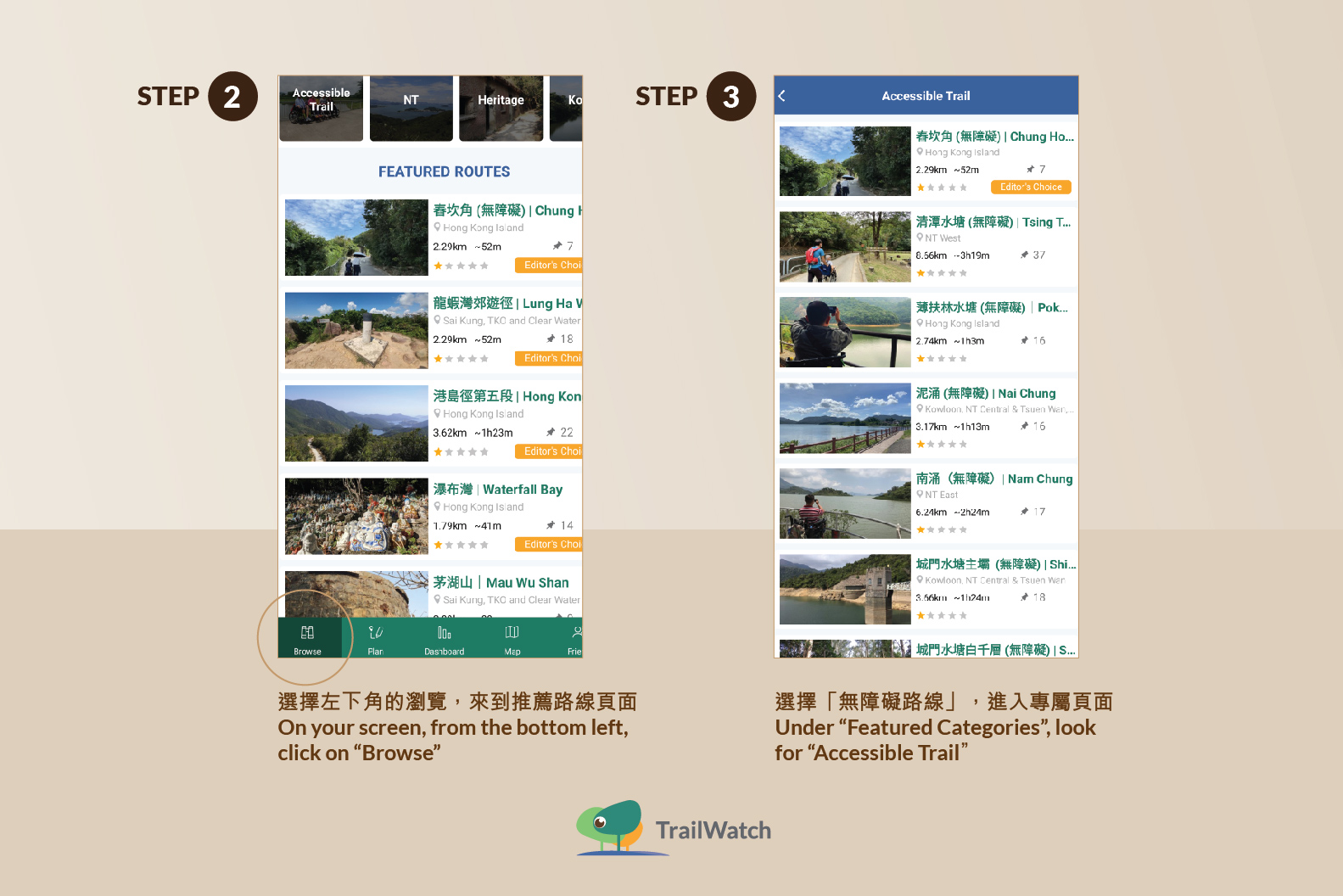
- Step 2 選擇左下角的瀏覽,來到推薦路線頁面 On your screen, from the bottom left, click on “Browse”
- Step 3 選擇「無障礙路線」,進入專屬頁面 Under “Featured Categories”, look for “Accessible Trail”
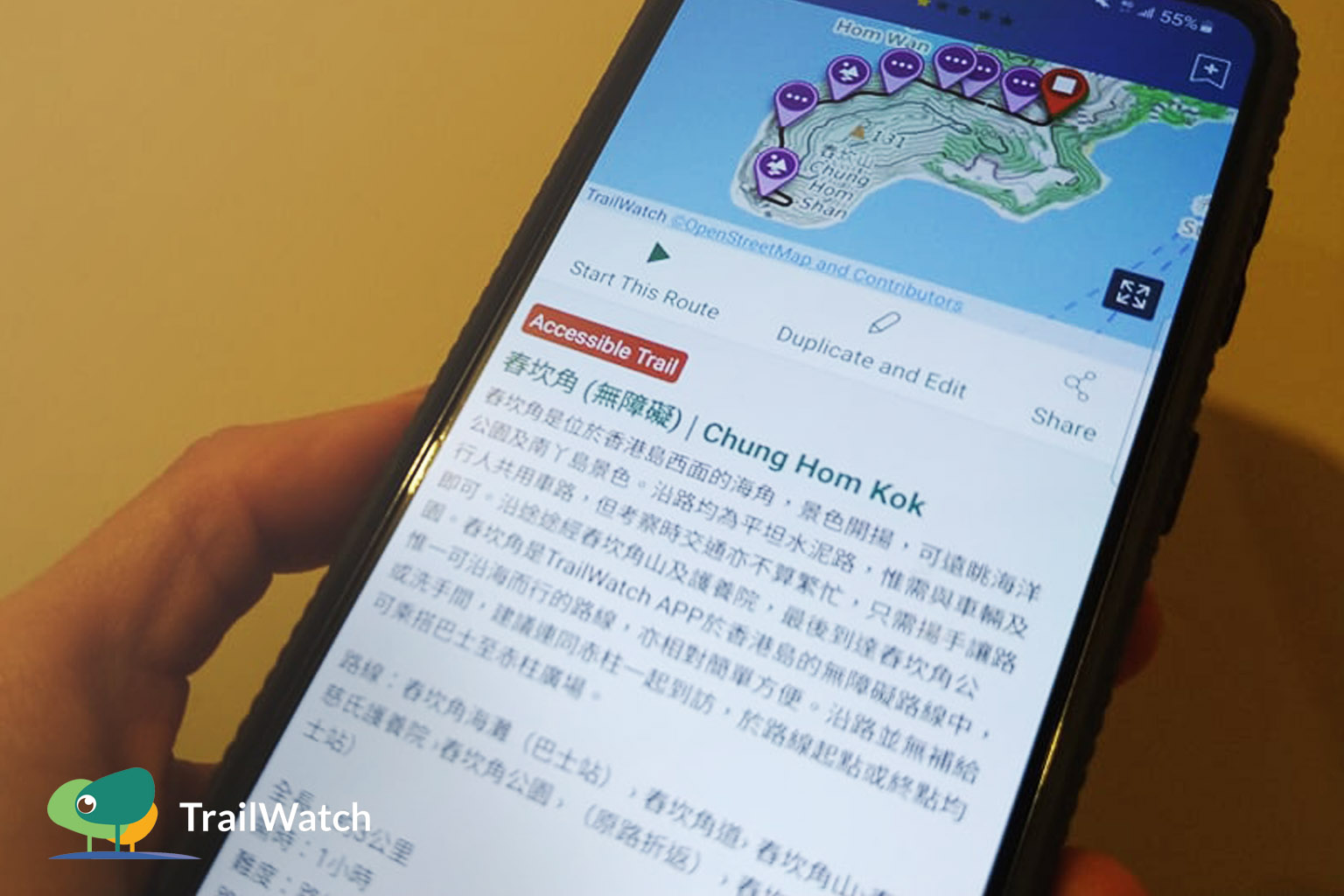
- Step 4 選擇你所行走的路線,並點選開始 Choose the Accessible Trail route and click on “Start This Route”
- Step 5 經過定位後,即可隨路線而行 After your location has been identified, you can start on your journey!
網站 From the Website
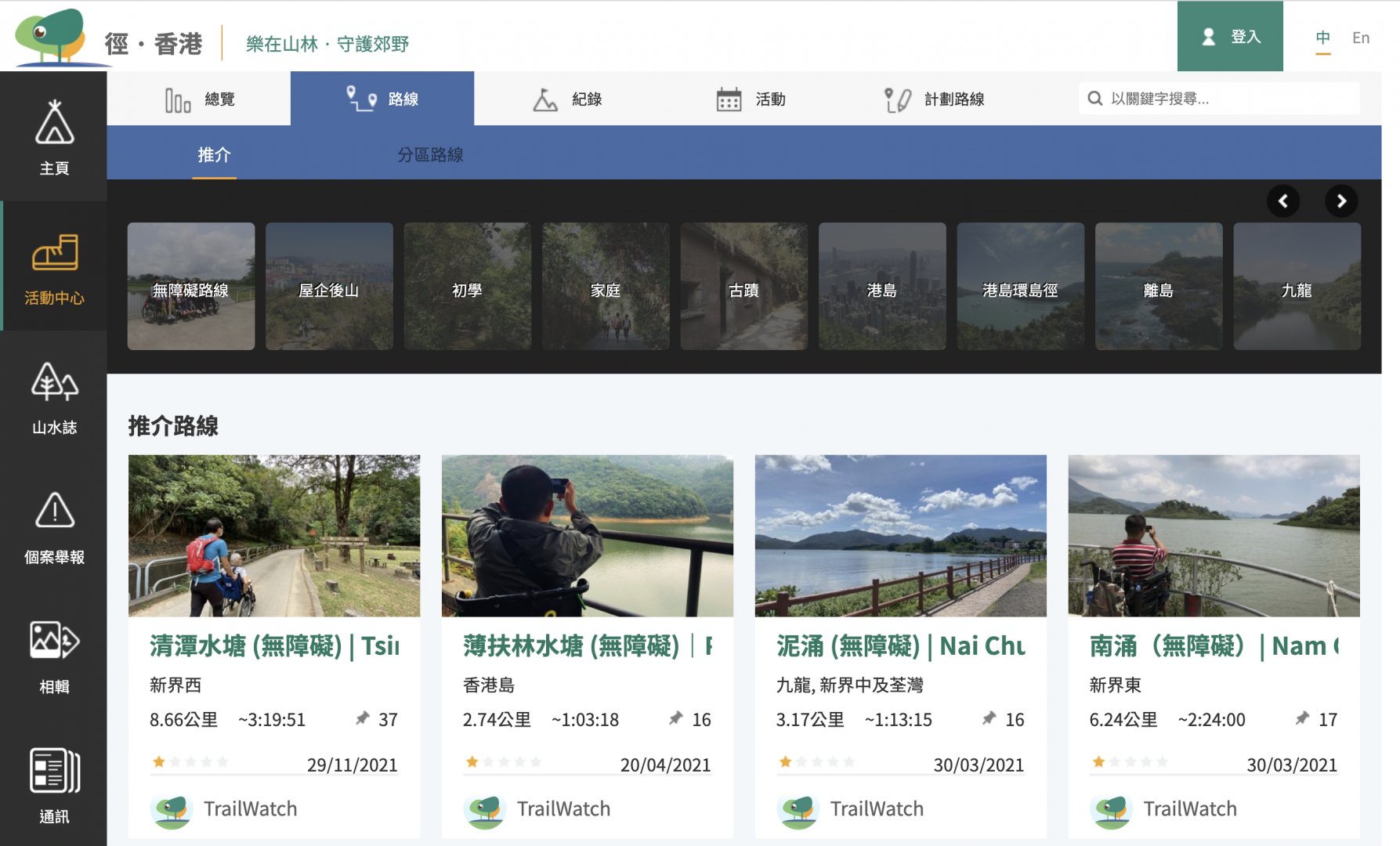
- Step1 進入網站,選擇活動中心 From the TrailWatch website, on the left hand side of the screen, click on “Activity Centre”
- Step 2 選擇「路線」 Click on “Routes”
- Step3 進入「無障礙路線」頁面,並選擇所需路線 Under “Featured”, look for “Accessible Trail”
- Step4 路線頁面內就有路線簡介及交通 You will then see information about the route and transportation options