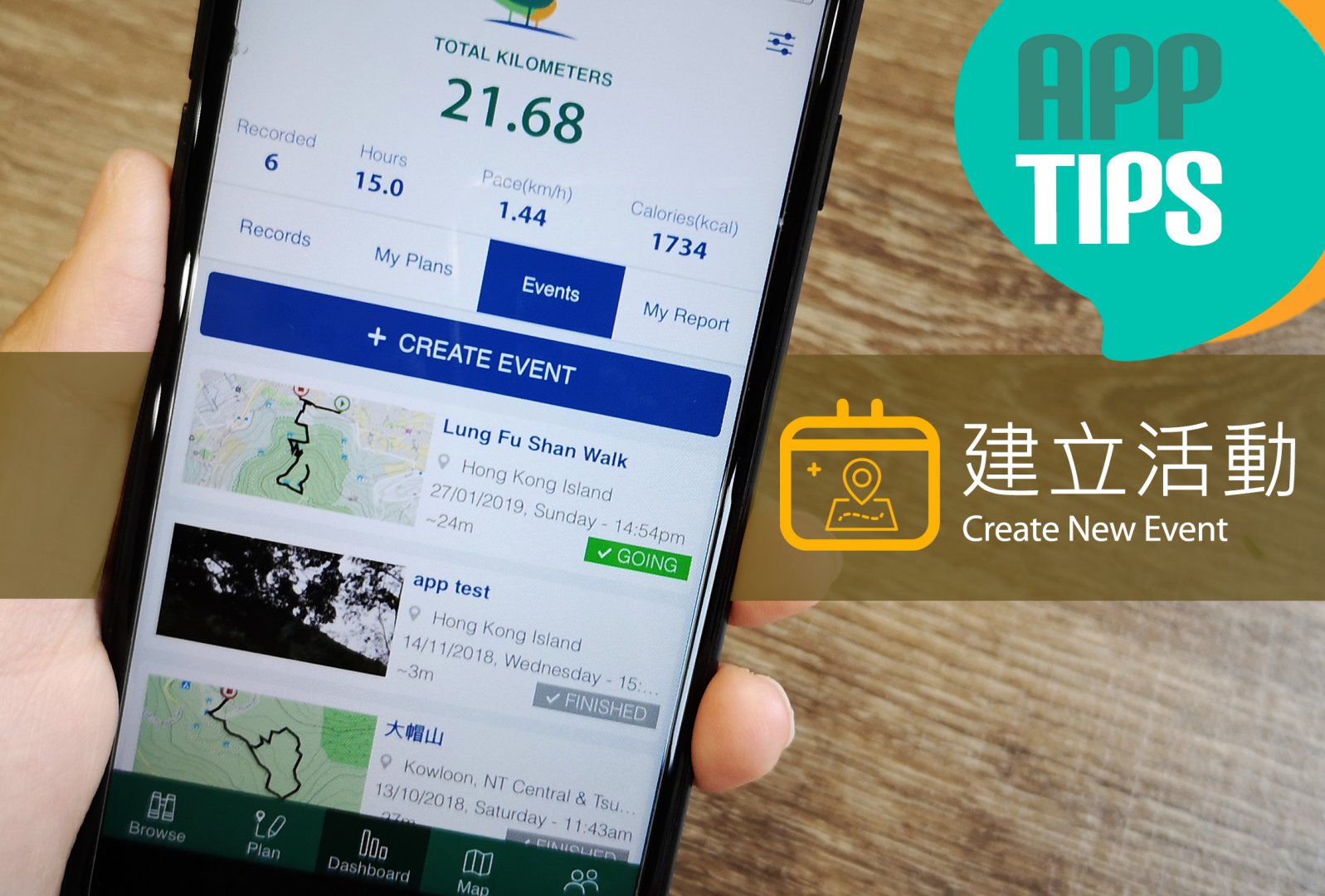
TrailWatch App小貼士 – 建立活動
App Tips – Create an Event
想約朋友行山時提供更全面的資料,可以使用「活動」功能建立行山活動,可以讓參與者清楚知道路線起點、途經點、終點、山徑高低等資料,於記錄內拍攝的照片還會儲存於活動之中,所有參與者都可以一同瀏覽。
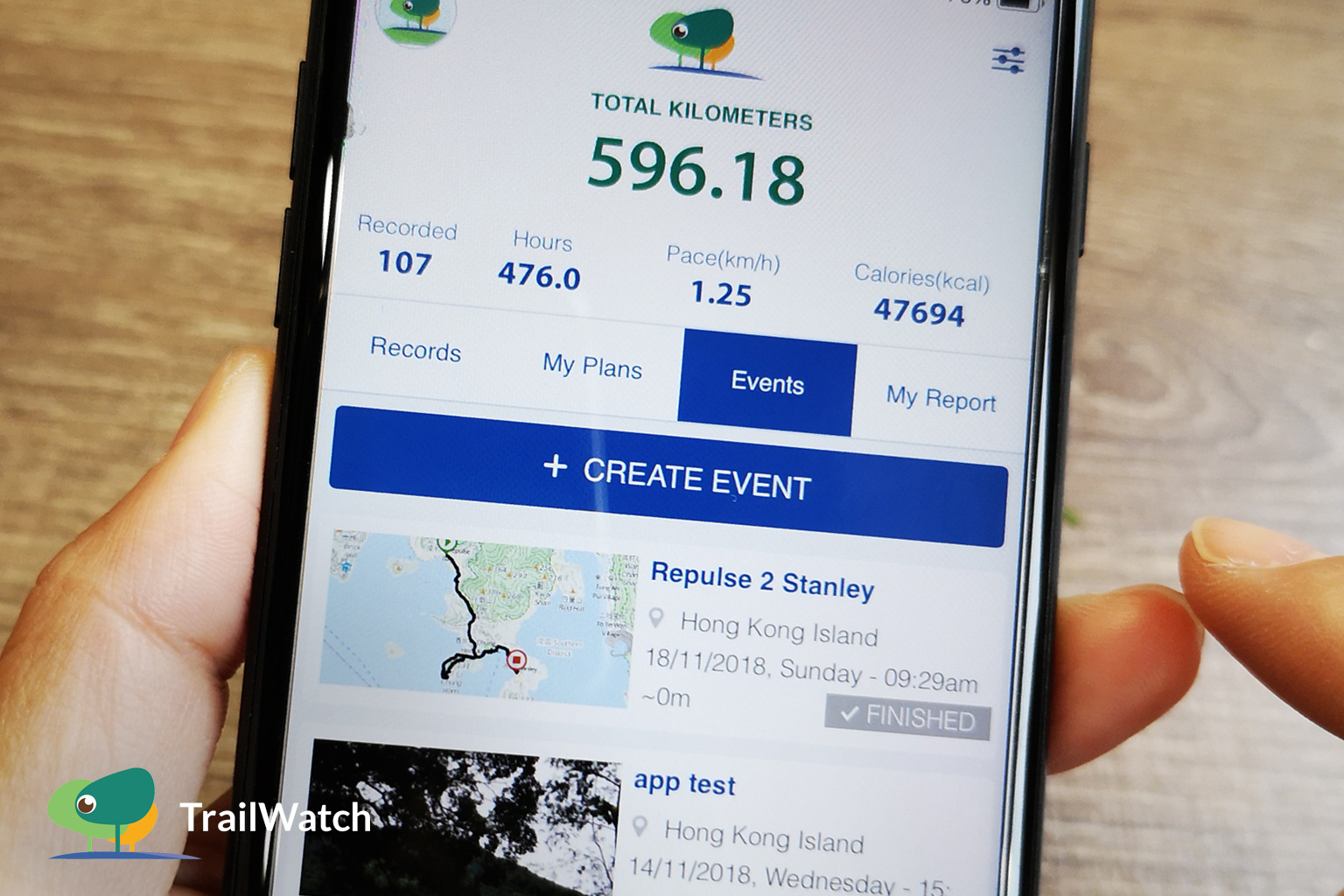
When organizing a hiking activity, you might find it useful to provide your friends with information all in one place when inviting them. To get started, tap on “Events” on the TrailWatch app to create an event. Simply fill in the information on the ‘Create Event’ page, including details such as date and time, meet up location, route profile and elevation, dismiss location, etc. and share with your friends. Photos taken with the app during the hike can be saved under this event, making it easy for participants to share and browse all the photos.
1. 計劃路線/收藏路線
Plan a Route / Bookmark a Route
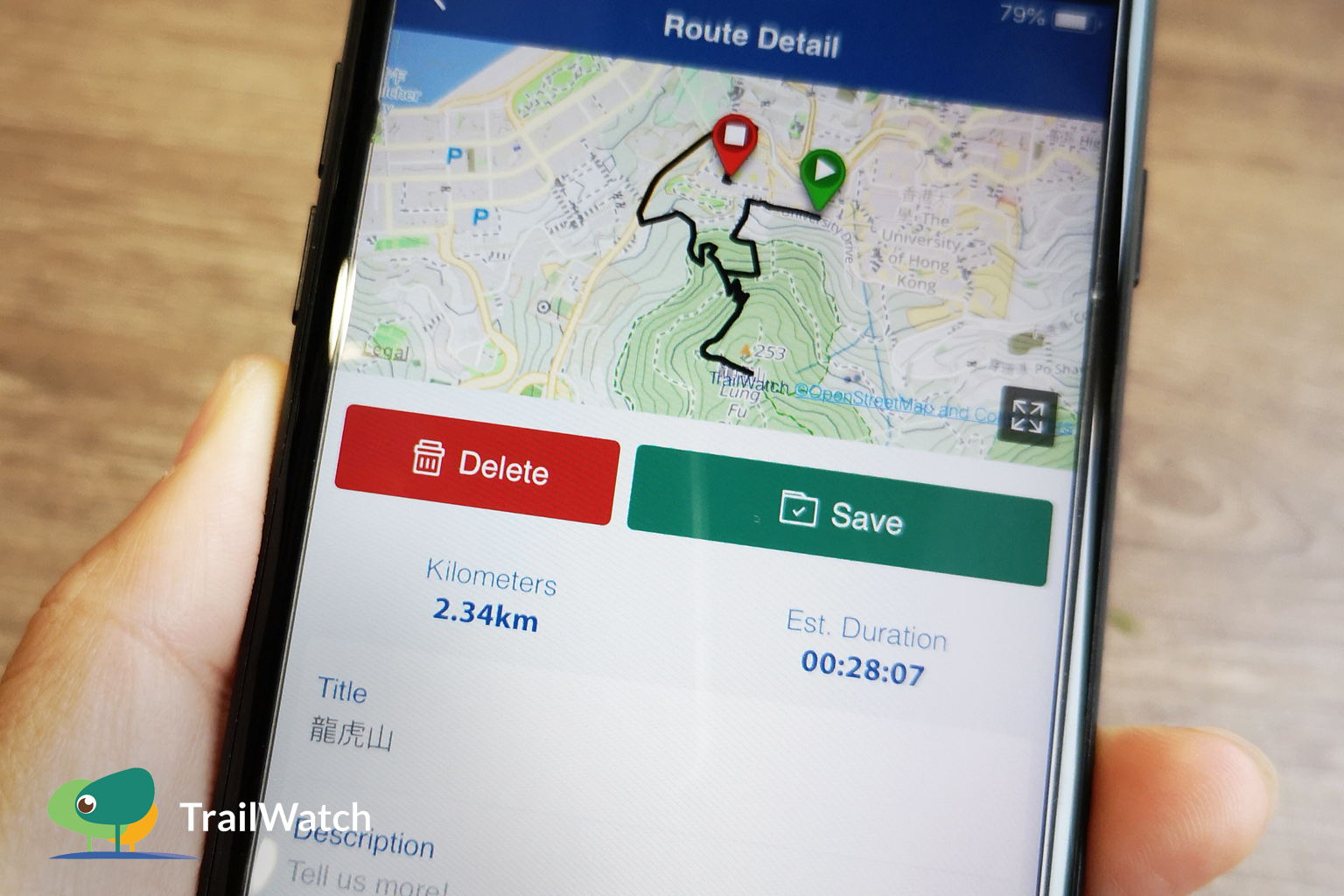
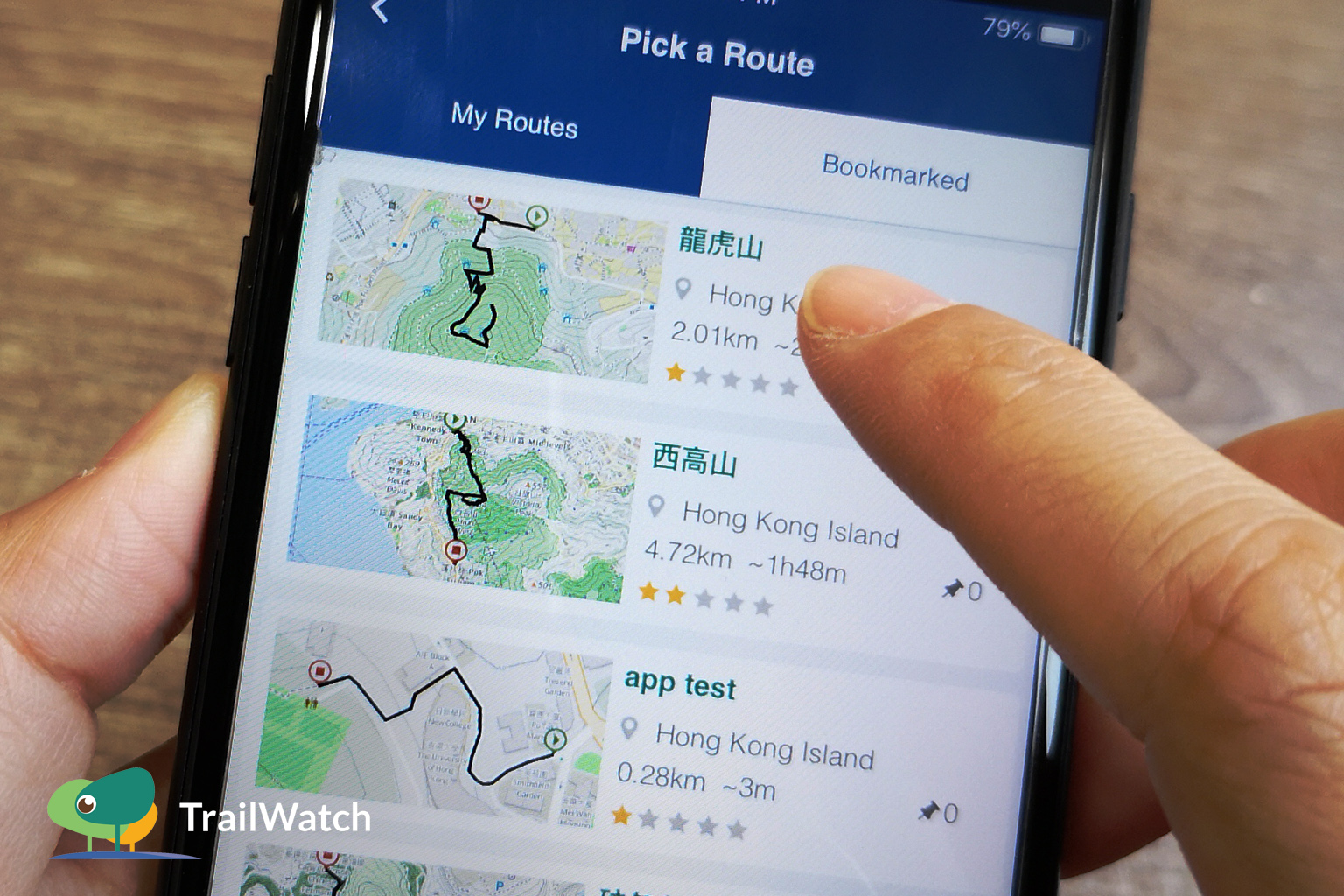
先使用計劃地圖設計路線及途經點,儲存為「我的路線」。或瀏覽其他記錄後,標籤為收藏。
Tap on “Plan” to start planning your route and pinning any points of interests on the way and “Save” your route. Or else pick an existing route and bookmark it.
2. 建立活動
Create an Event

新增「建立活動」並填上相關資訊,可於筆記位置簡單描述路線或注意事項。「僅限朋友」選項可選擇允許你的朋友邀請其朋友或只限你的朋友參與,最後按「建立活動」。
Tap on “Event” to create one and fill in the essential hiking information. Under “Notes”, feel free to add a simple event description and raise any points to note. Select your preferred privacy setting – make it a public event which allows participants to invite third parties to join or select “Friends only”.
3. 邀請朋友
Invite Your Friends
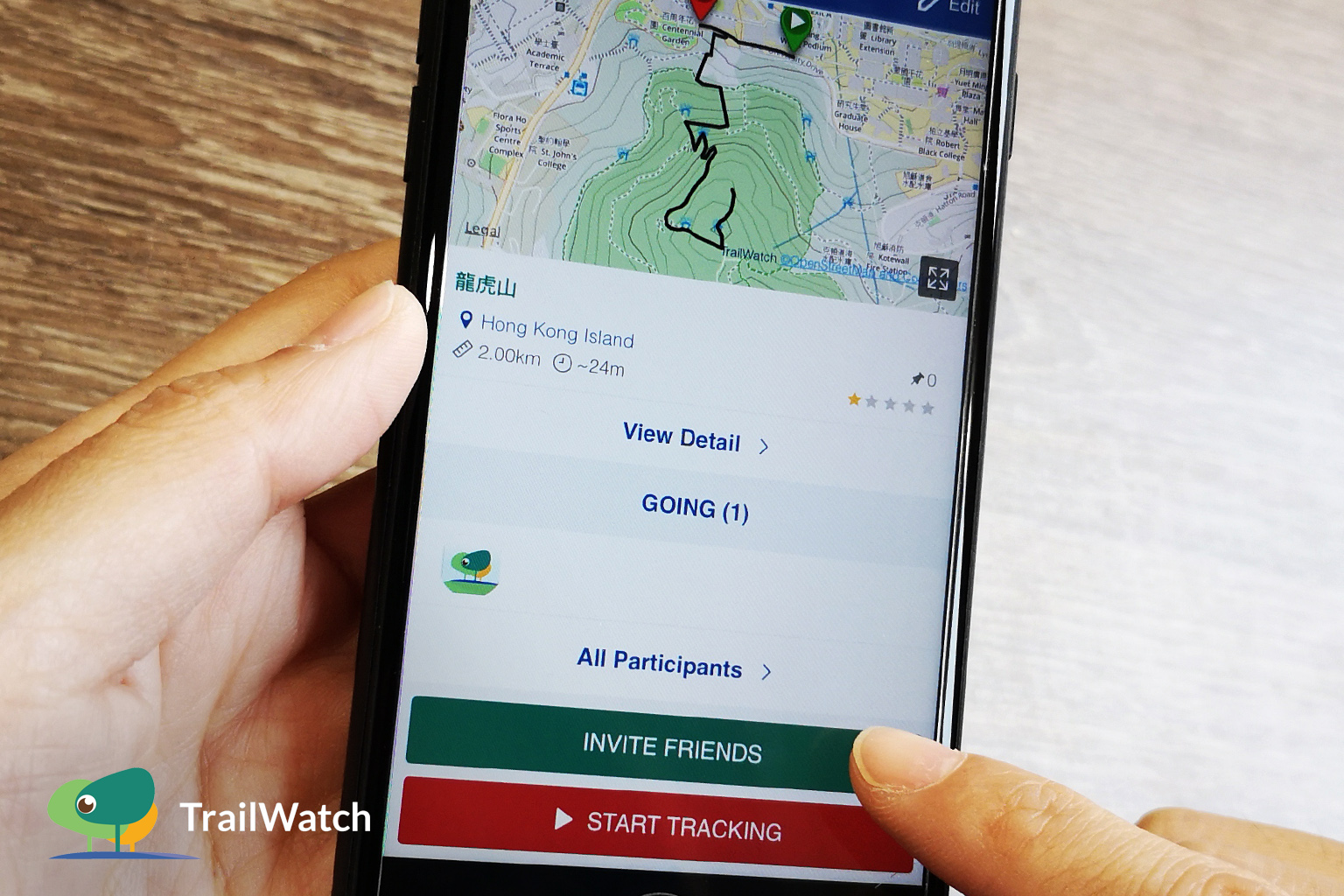
成功建立活動後,立即邀請你的朋友出席。你的朋友會收到邀請,並可回覆出席與否。
Once your event is created, click on “Invite Friends”. Upon receiving your invitation, your friends can RSVP via the app, which automatically generates a participant list for you.
4. 開始記錄活動
Record the Hike
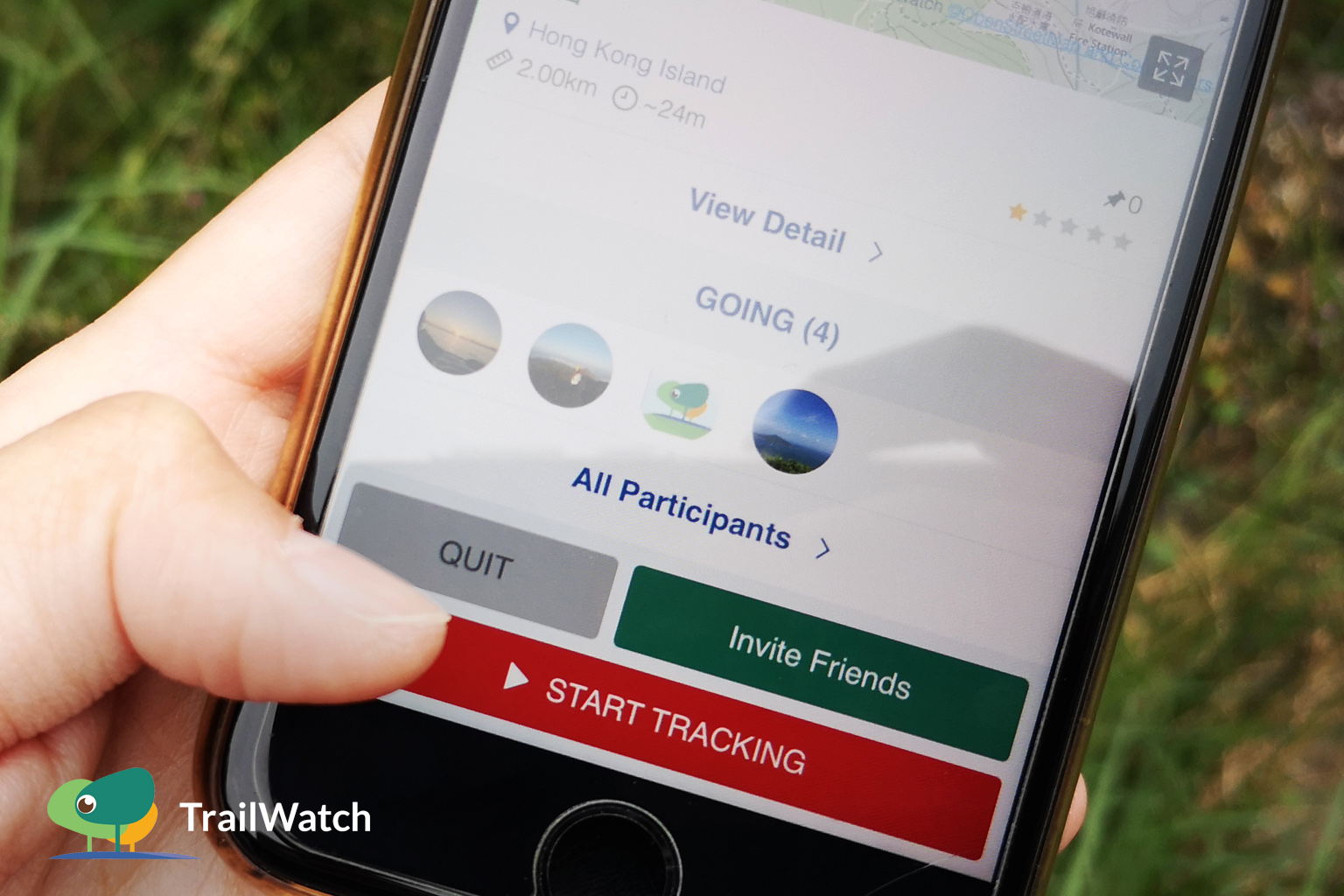
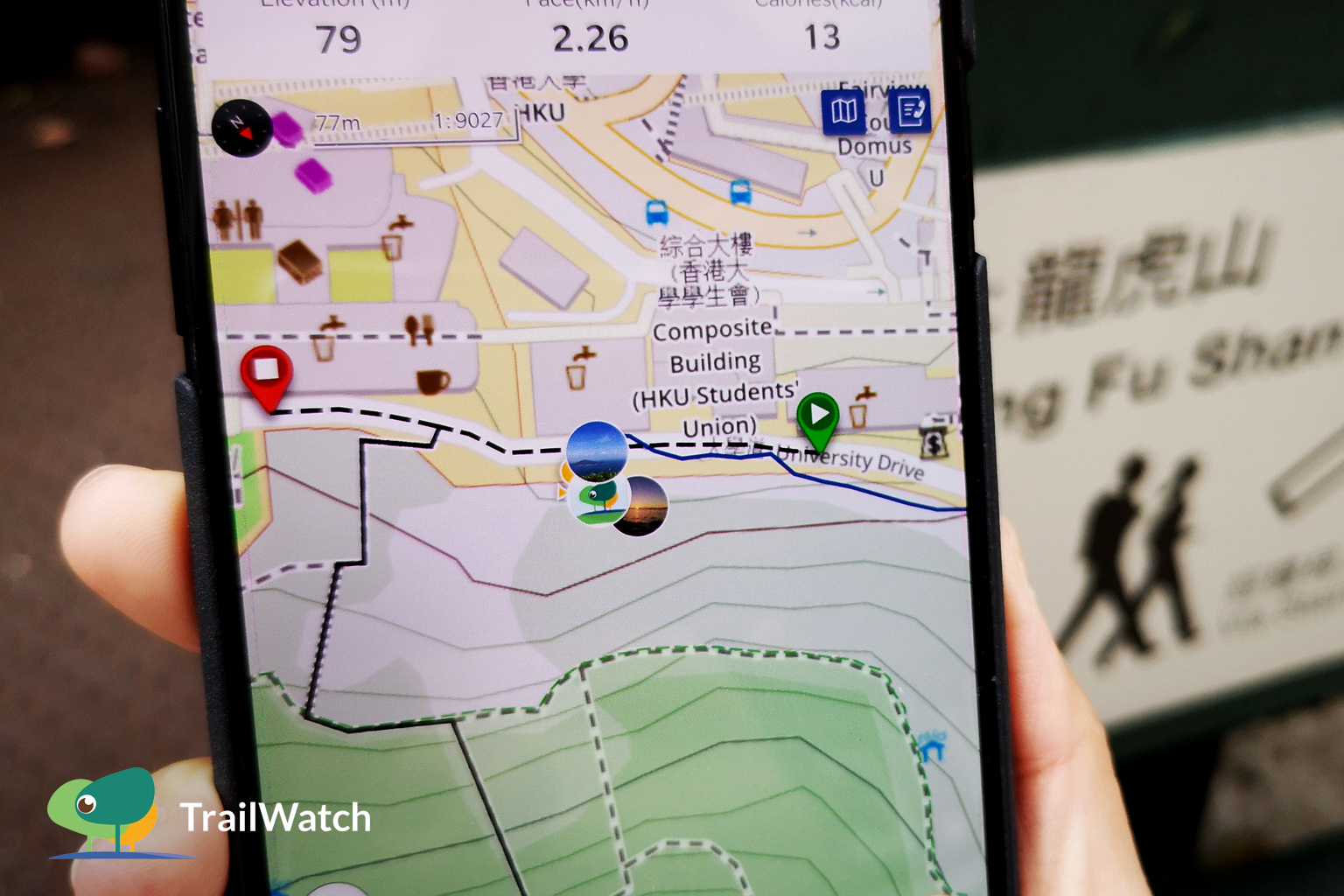
到行山當日,再次進入所建立的活動頁面,按「開始記錄活動」並沿途拍下照片。
On the day, click into events and tap on “Start Tracking”. Let’s take some photos on the way.
5. 查看所有相片
Browse All Photos
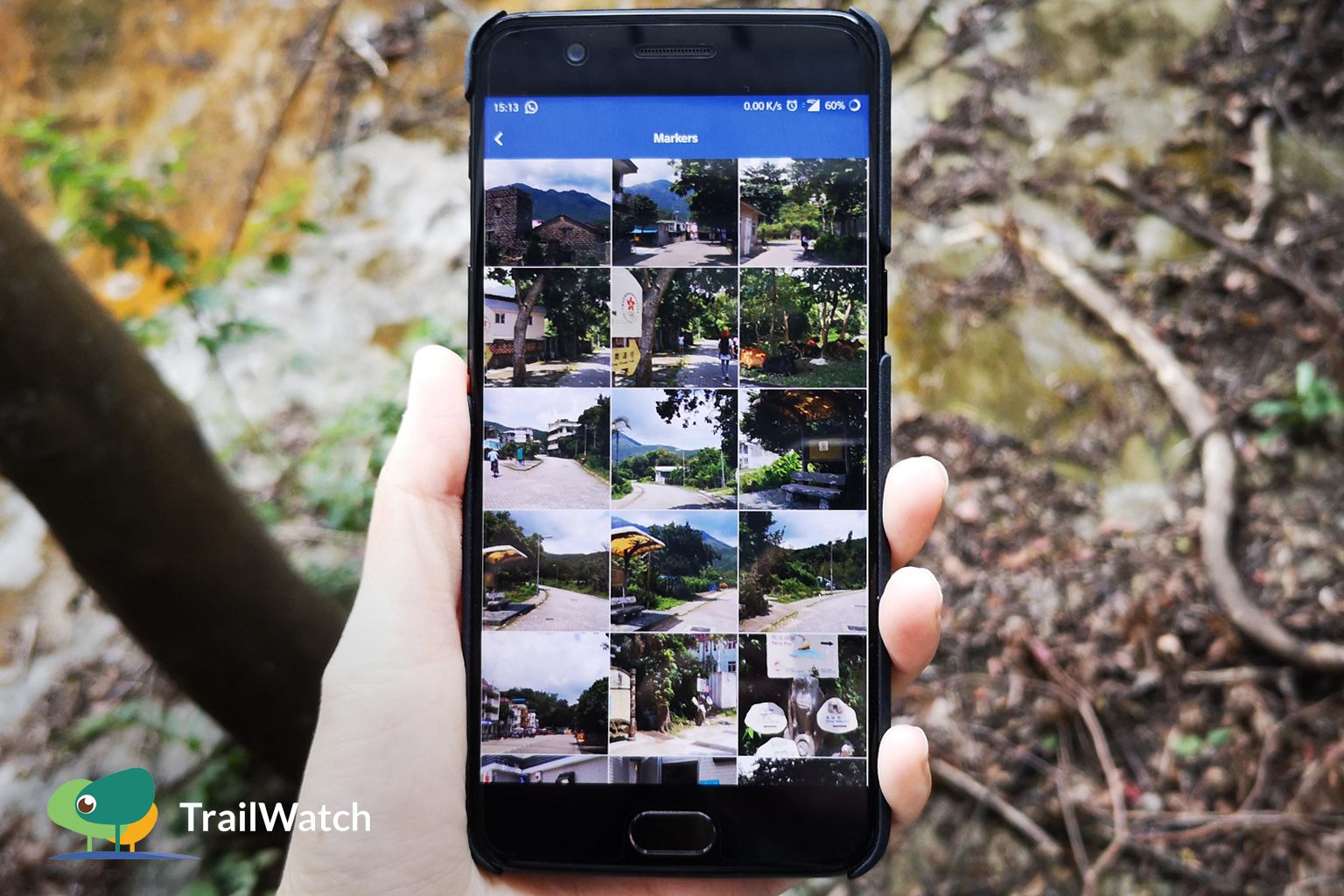
所有參與活動的朋友所拍攝的照片都會自動儲存於活動之中,朋友之間可以互相瀏覽照片。
Photos taken by all participants via the app will be saved under the event. Everyone can contribute to the photo album and the app is a centralized platform to share and view all photos at ease.
更多App小貼士 Tips:
- 計劃路線 Route Planning:https://www.trailwatch.hk/?t=blog&i=437
- 記錄路線 Route Tracking:https://www.trailwatch.hk/?t=blog&i=428
- 個案舉報 Reporting incidents:https://www.trailwatch.hk/?t=blog&i=551
- 收藏路線 Bookmarking a Route:https://www.trailwatch.hk/?t=blog&i=431
- 離線地圖 Tips – Offline Map:https://www.trailwatch.hk/?t=blog&i=434