
只要在TrailWatch網頁或應用程式內搜尋到合適路線,輕鬆按一下就可以收藏路線!但謹記按路線出發行山前,多搜集資料了解路況,確保自己及同行者有足夠準備及體能。
It is only one button away to bookmark a route you like on the TrailWatch App or Webpage! Make sure you gather information about the route before setting off and that everyone is well prepared and have enough strength for the hike.
1. 搜尋路線 Select a route

- 先到「瀏覽」搜尋合適路線
- Go to "Browse" and select a suitable route
2. 收藏路線 Bookmark a route
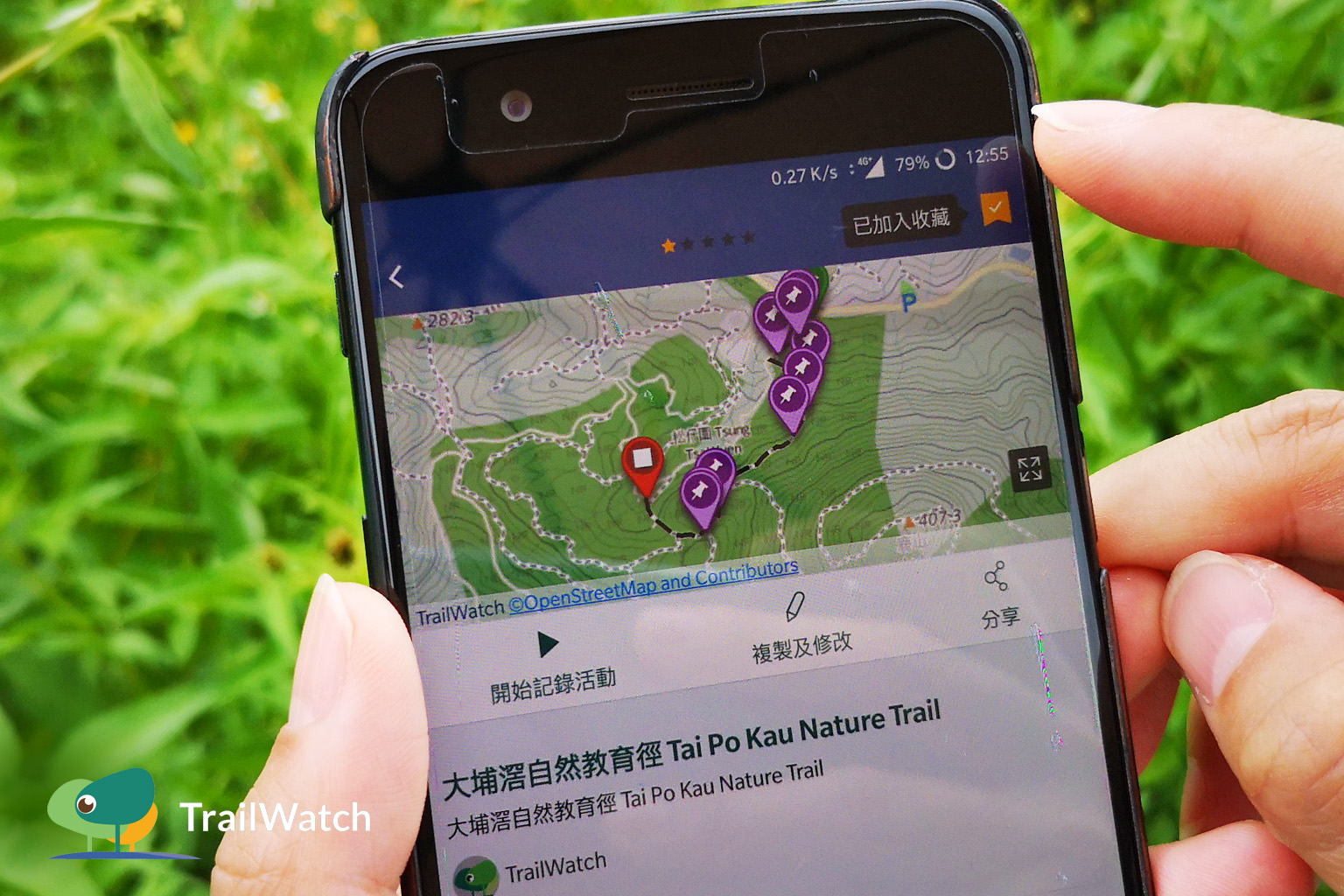
- 按下右上角的「收藏」旗仔
- Click on the flag on top right corner
3. 查看收藏路線 See bookmarked route

- 按下「收藏」查看曾收藏的所有路線
- Click on "Bookmarked" to see all the bookmarked routes
4. 跟隨收藏路線行山 Hike a bookmarked route
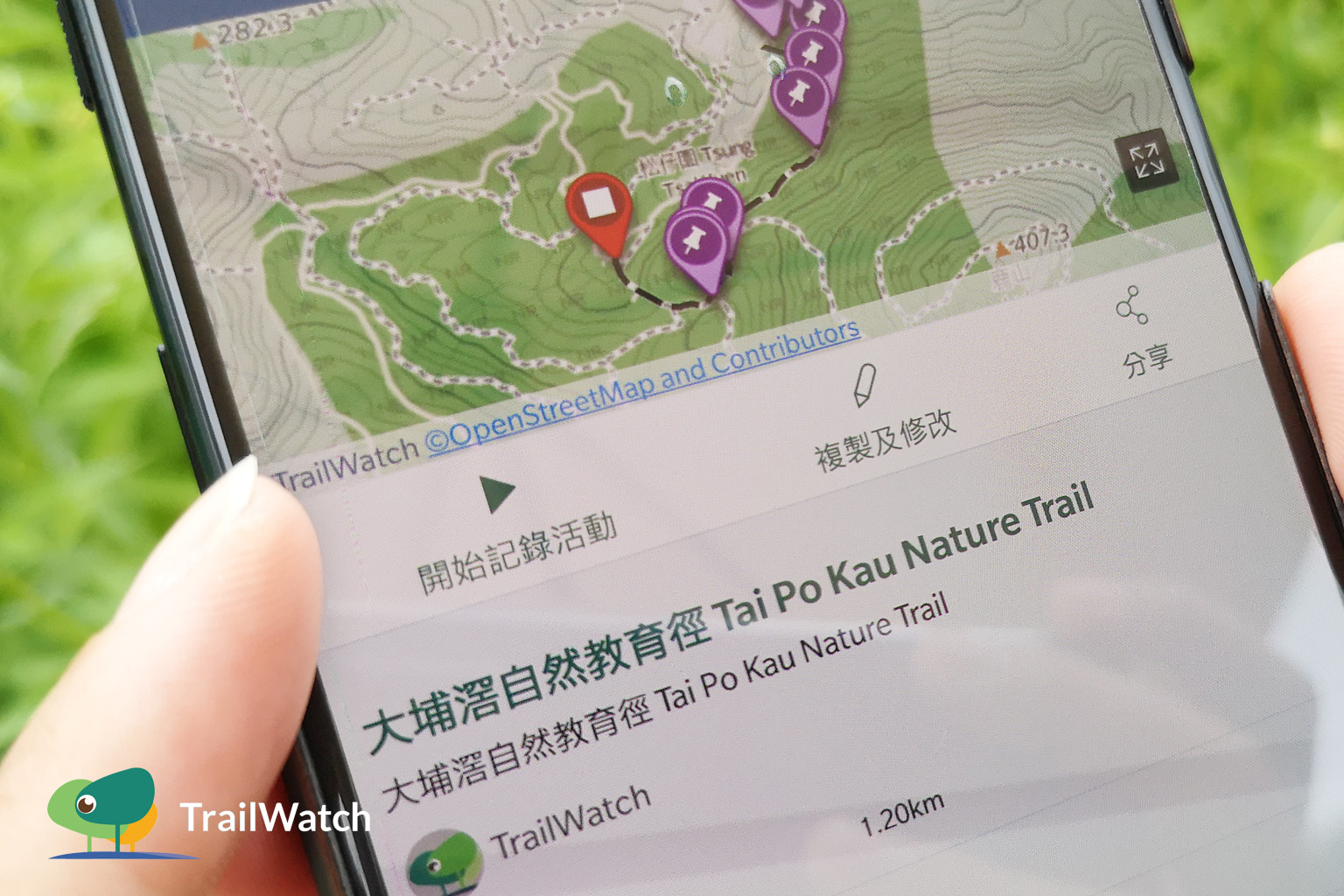
- 行山時,到「收藏」頁選擇路線,之後按下「開始記錄活動」
- Click on "Bookmarked", select your route and click on "Start This Route"
5. 了解更多資訊 做足準備 Gather hiking information to better prepare yourself
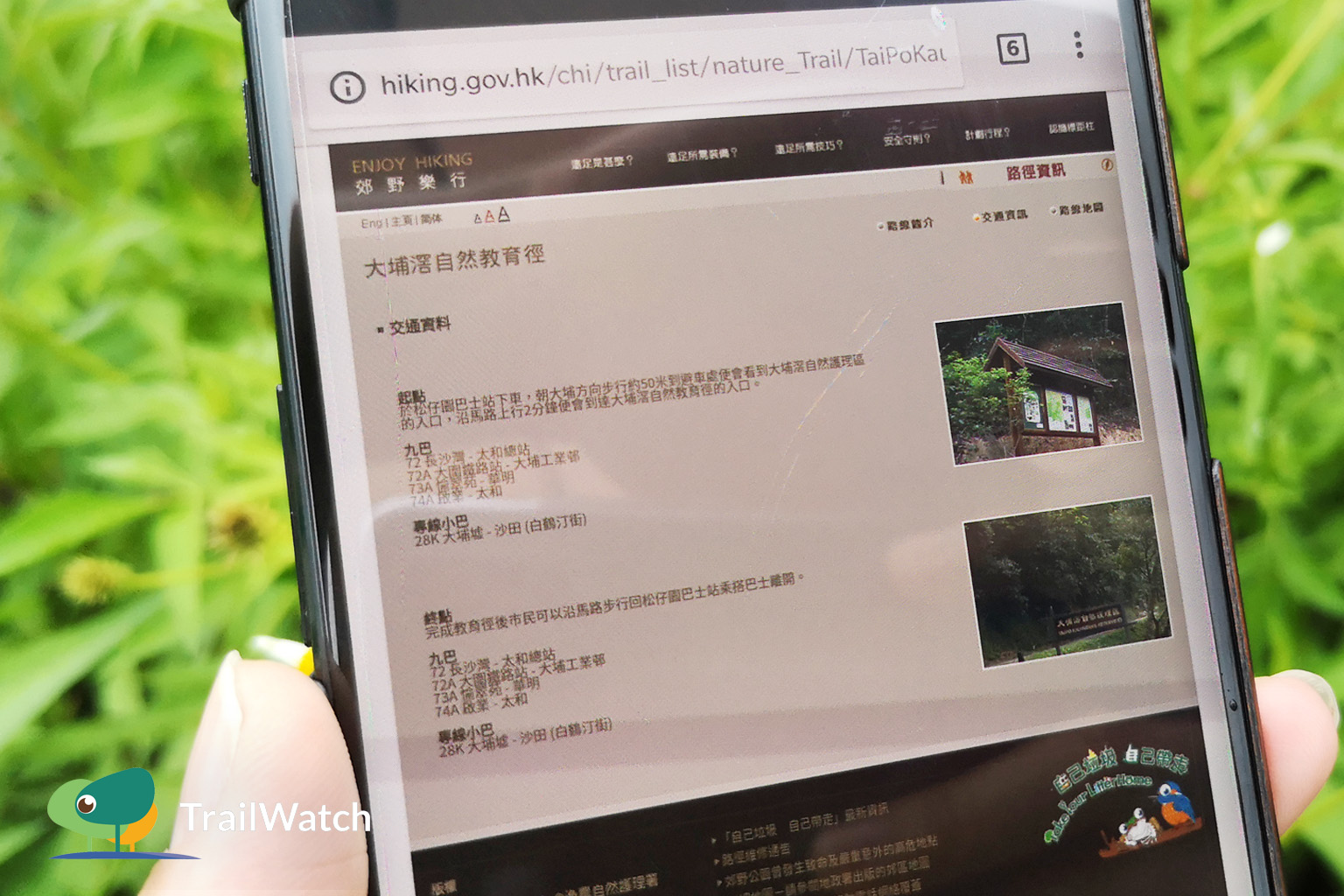
- 此記錄顯示該用家該次的行程時間,只供參考。因應各用家步速不一,建議參考自己平均步速以預計所需時間。亦緊記了解更多其他資訊以計劃行程及做足準備。
- The app records the time you take to finish this hike, it is reference only. Since everyone has their own pace, it is recommended that you refer to your average speed to estimate the time you need. You should also take into account other relevant information to make plans and preparation.
更多App小貼士 Tips:
- 計劃路線 Route Planning:https://www.trailwatch.hk/?t=blog&i=437
- 記錄路線 Route Tracking:https://www.trailwatch.hk/?t=blog&i=428
- 個案舉報 Reporting incidents:https://www.trailwatch.hk/?t=blog&i=551
- 建立活動 Create an Event:https://www.trailwatch.hk/?t=blog&i=540
- 離線地圖 Tips – Offline Map:https://www.trailwatch.hk/?t=blog&i=434