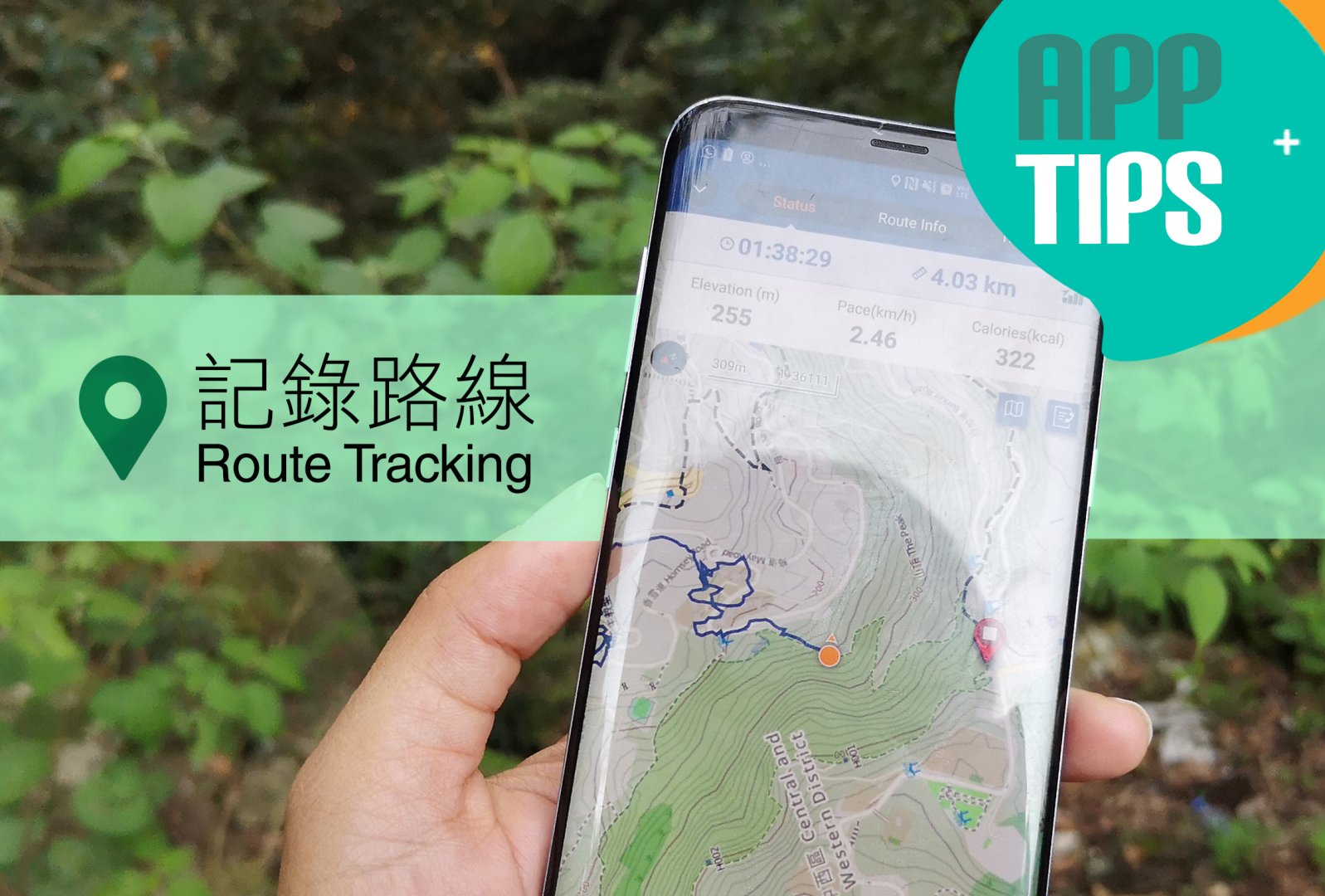
開始行山時記錄路線只按下「開始記錄活動」就足夠?不如試試以下小貼士,安心記錄又更全面!
Besides pressing the “Start Tracking” button at the beginning of your hike, try the tips below for a comprehensive record of your route.
1. 不時查看「全球定位系統」(GPS) 保持穩定接收
Keep checking GPS to ensure stable connention
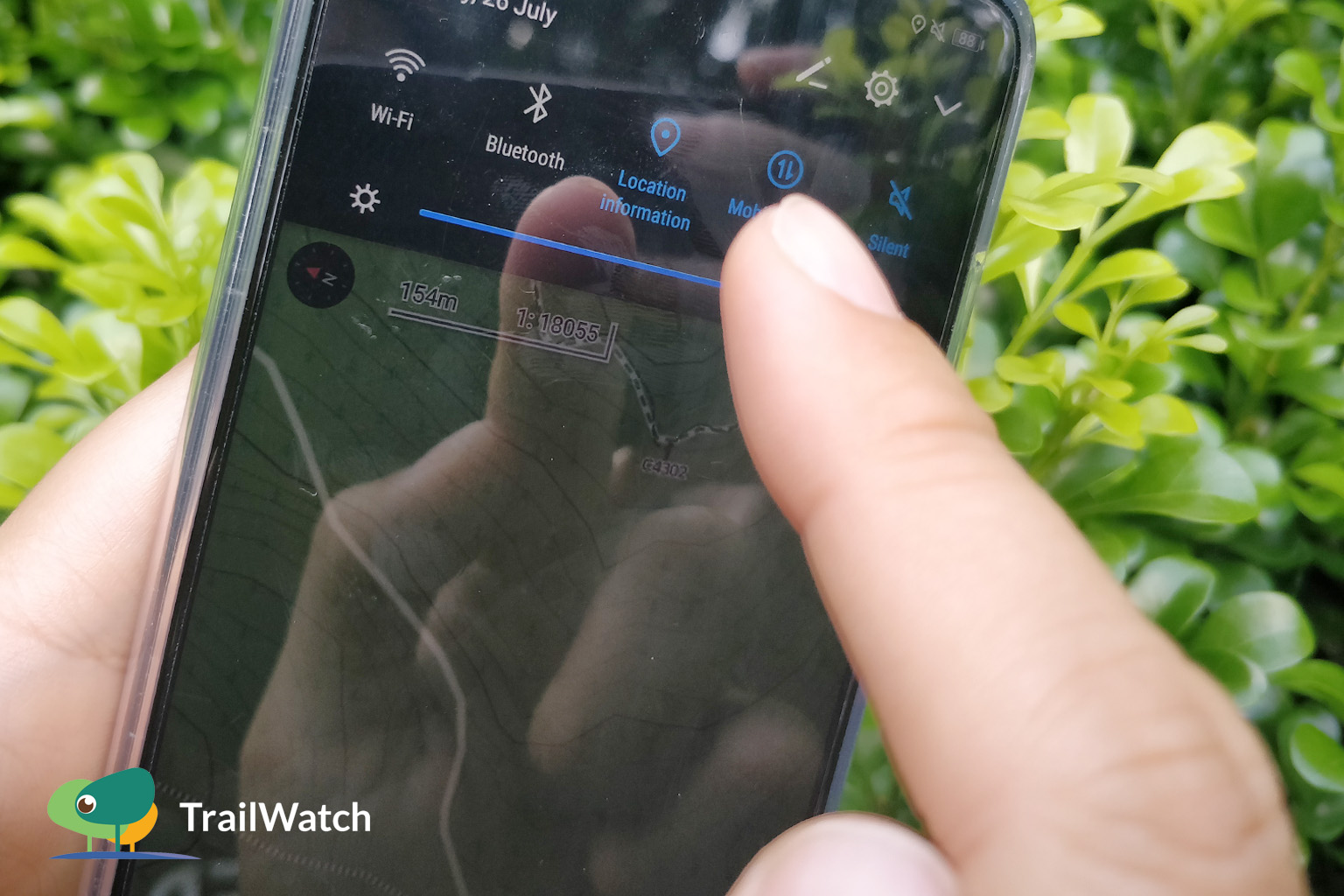
開啟GPS 確保訊號穩定
Turn on GPS Connection confirmed
2. 出發前下載「離線地圖」
Download "Offline map" before hiking
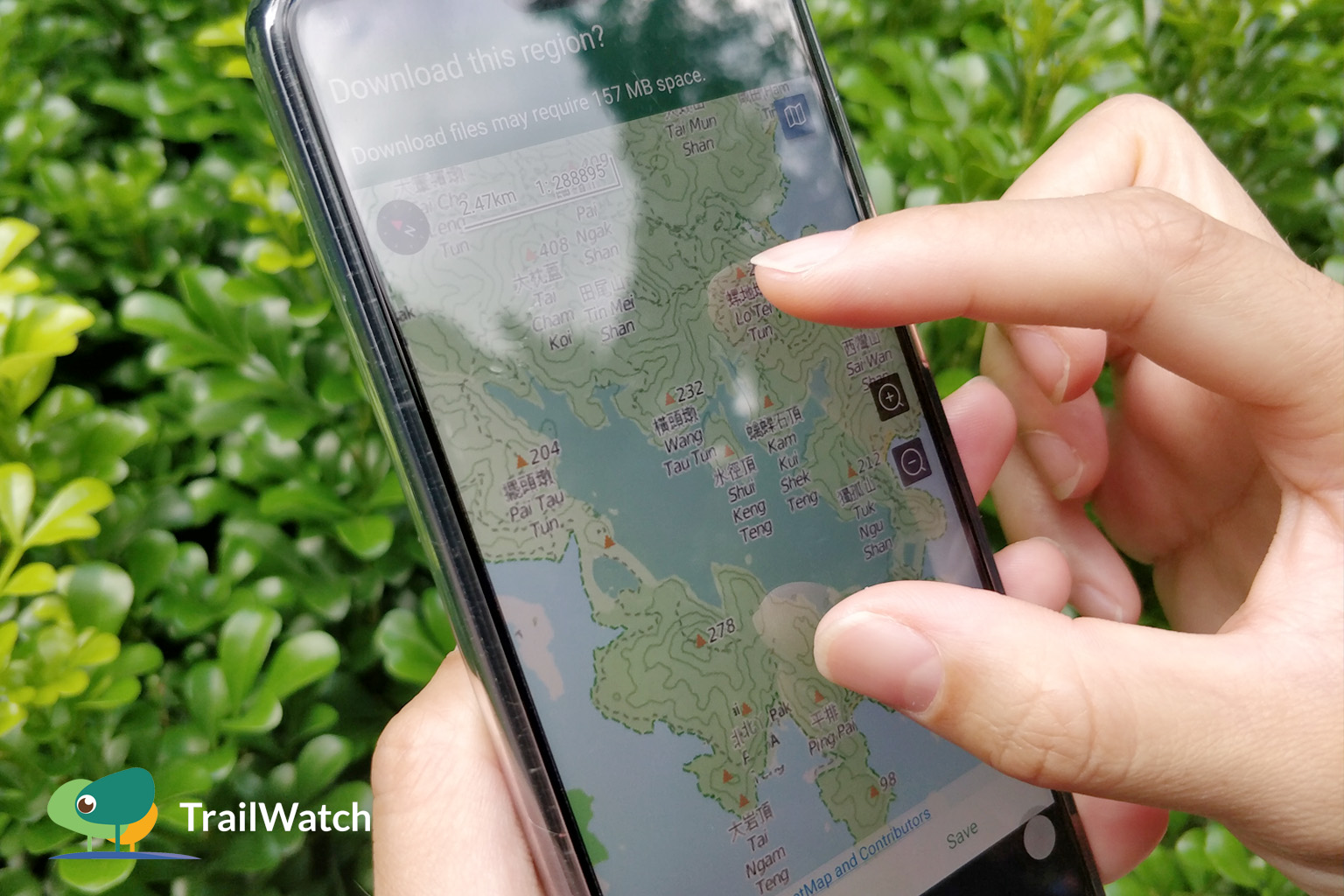
下載離線地圖 無網絡都睇到
Download offline map Check it without network
3. 關閉「流動數據」減低電量消耗
Turn off "Mobile data" to save battery
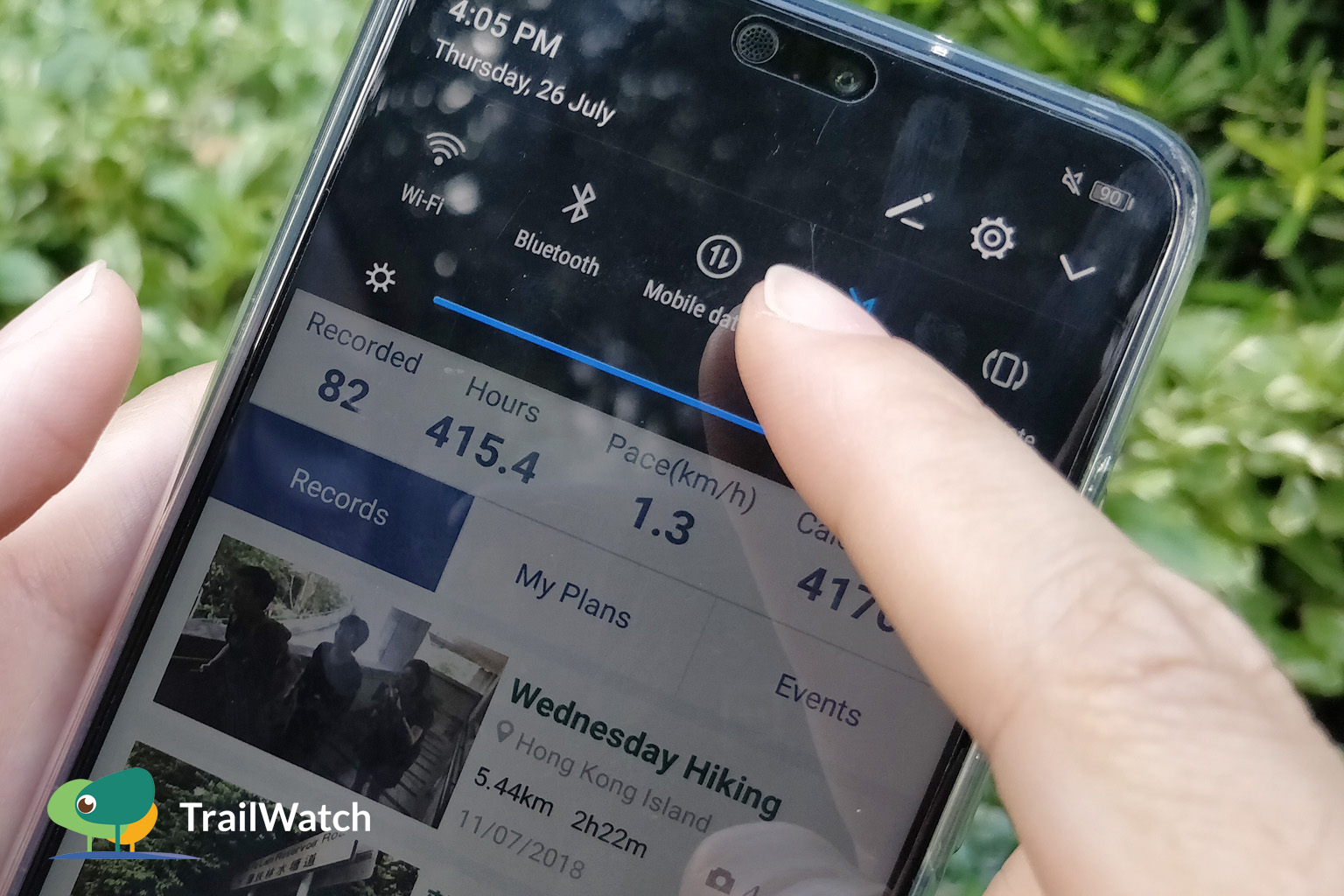
關閉數據 減低用電
Turn off data Save battery
4. 開啟「只使用WiFi上傳相片」
Turn on "Upload photos using WiFi only"
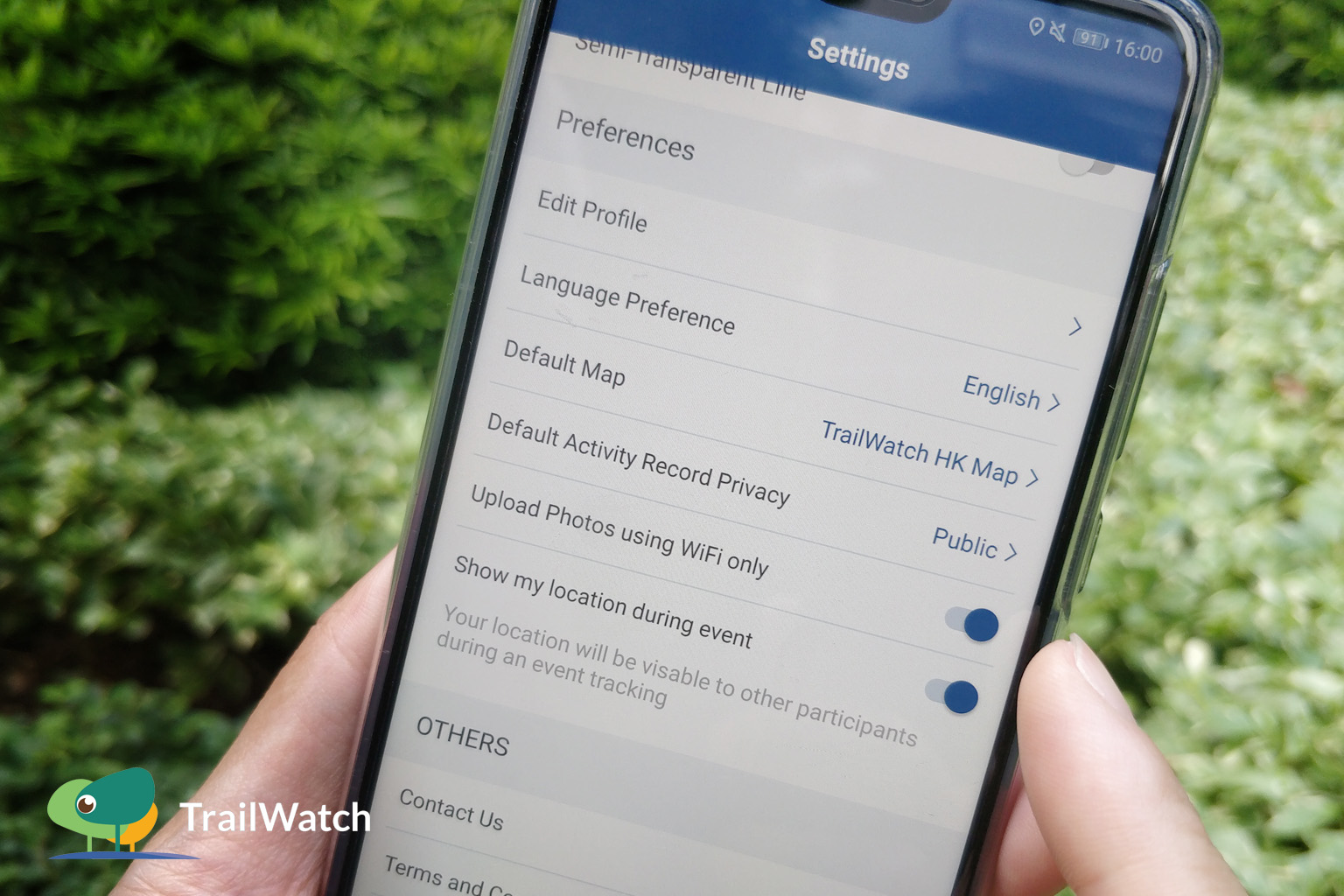
開啟「只使用WiFi上傳相片」
減低用電 減少數據用量
Turn on "Upload photos using WiFi only"
Save battery Save data
5. 最重要多拍照!
Take more photos!
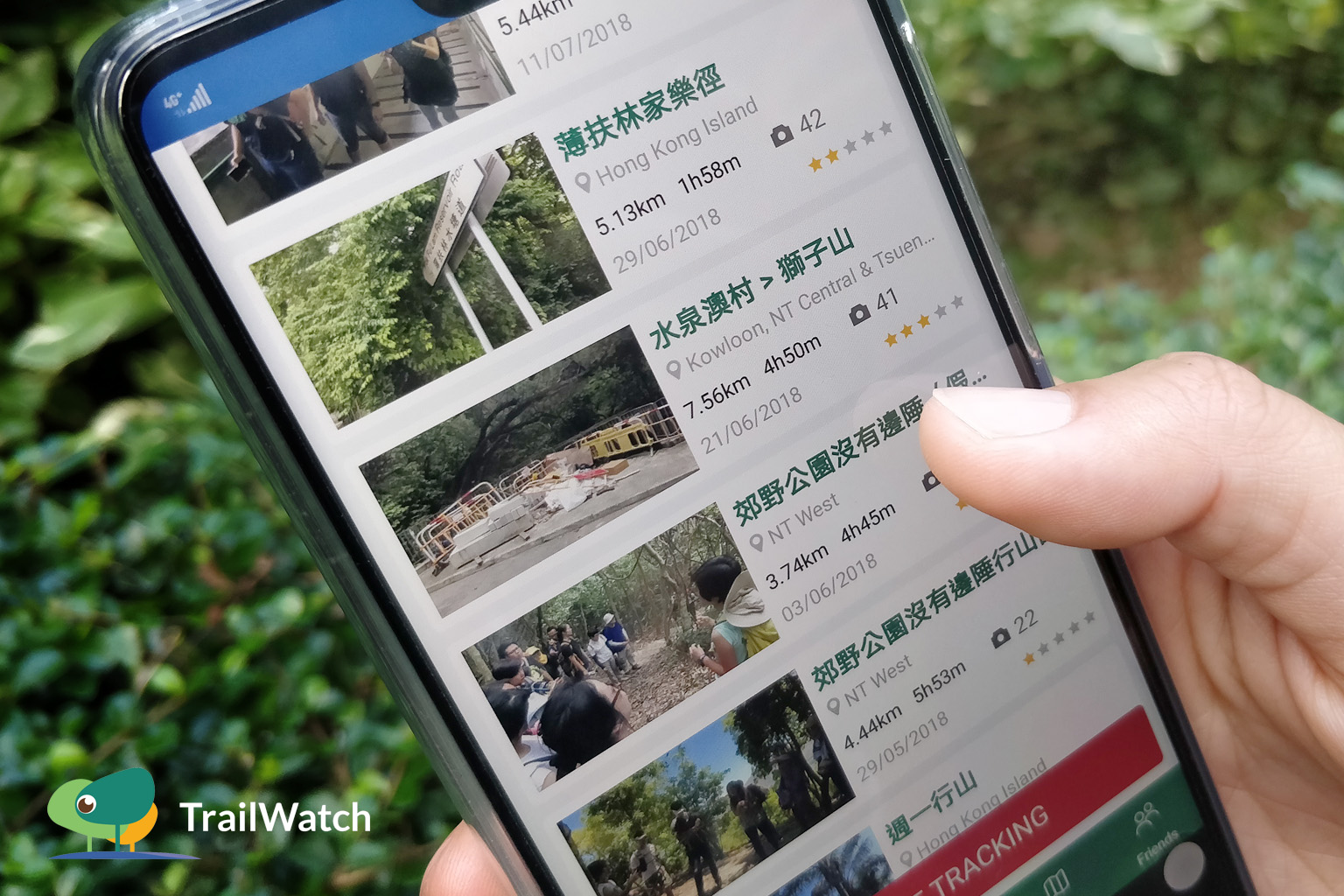
多影相 就有封面相
Take more photos To get cover photo
更多App小貼士 Tips:
- 計劃路線 Route Planning:https://www.trailwatch.hk/?t=blog&i=437
- 個案舉報 Reporting incidents:https://www.trailwatch.hk/?t=blog&i=551
- 收藏路線 Bookmarking a Route:https://www.trailwatch.hk/?t=blog&i=431
- 建立活動 Create an Event:https://www.trailwatch.hk/?t=blog&i=540
- 離線地圖 Tips – Offline Map:https://www.trailwatch.hk/?t=blog&i=434